Ir para o conteúdo principal

Epson PowerLite 822 Plus Motherboard Replacement

O que você precisa

  1. Epson PowerLite 822 Plus Motherboard Replacement, Motherboard: passo 1, imagem 1 %32
    • Flip the projector over.

    • Remove all 8 screws on the bottom of the projector.

  2. Epson PowerLite 822 Plus Motherboard Replacement: passo 2, imagem 1 %32 Epson PowerLite 822 Plus Motherboard Replacement: passo 2, imagem 2 %32
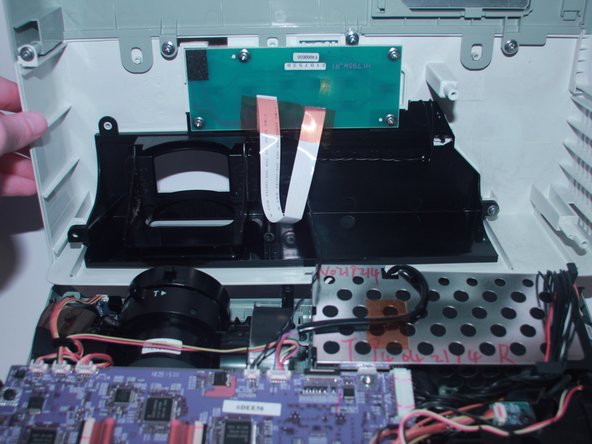
    • Now, flip the projector back over and pry the top of it open revealing the inside of the projector.

  3. Epson PowerLite 822 Plus Motherboard Replacement: passo 3, imagem 1 %32 Epson PowerLite 822 Plus Motherboard Replacement: passo 3, imagem 2 %32
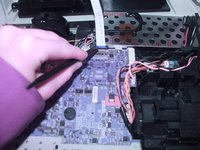
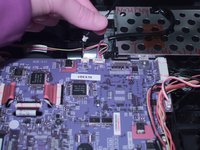
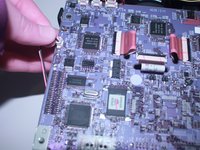
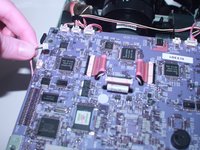
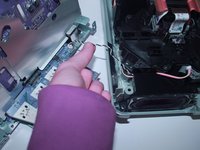
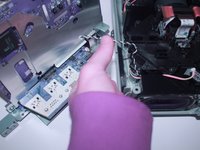
    • Use the spudger to disconnect it from the motherboard.

  4. Epson PowerLite 822 Plus Motherboard Replacement: passo 4, imagem 1 %32 Epson PowerLite 822 Plus Motherboard Replacement: passo 4, imagem 2 %32
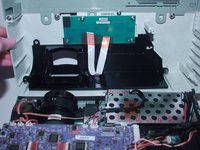
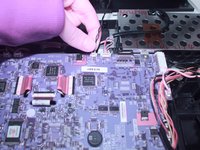
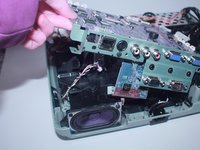
    • Using your finger gently move back and forth the JST cable that connects the top to the motherboard.

    • Now completely take off the top of the projector.

  5. Epson PowerLite 822 Plus Motherboard Replacement: passo 5, imagem 1 %32 Epson PowerLite 822 Plus Motherboard Replacement: passo 5, imagem 2 %32
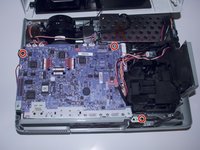
    • Remove the 3 screws that secure the motherboard in place.

  6. Epson PowerLite 822 Plus Motherboard Replacement: passo 6, imagem 1 %32 Epson PowerLite 822 Plus Motherboard Replacement: passo 6, imagem 2 %32 Epson PowerLite 822 Plus Motherboard Replacement: passo 6, imagem 3 %32
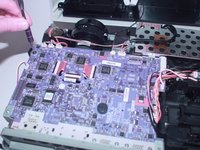
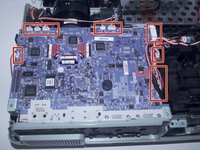
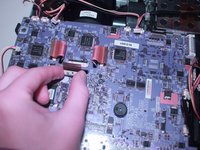
    • Gently move back and forth the 11 JST connectors until they come out.

  7. Epson PowerLite 822 Plus Motherboard Replacement: passo 7, imagem 1 %32 Epson PowerLite 822 Plus Motherboard Replacement: passo 7, imagem 2 %32
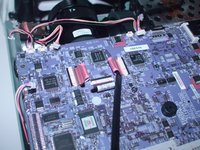
    • With the spudger lift the red plastic tabs from their connectors.

  8. Epson PowerLite 822 Plus Motherboard Replacement: passo 8, imagem 1 %32 Epson PowerLite 822 Plus Motherboard Replacement: passo 8, imagem 2 %32 Epson PowerLite 822 Plus Motherboard Replacement: passo 8, imagem 3 %32
    • Lift the motherboard and disconnect the JST connector underneath.

  9. Epson PowerLite 822 Plus Motherboard Replacement: passo 9, imagem 1 %32
    • Now, the motherboard is completely removed from the projector and you are ready to replace it.

Conclusão

To reassemble your device, follow these instructions in reverse order.

0Comentários do guia

Comentar

Visualizações:

Últimas 24 horas: 3

Últimos 7 dias: 5

Últimos 30 dias: 6

Ao todo: 130