Ir para o conteúdo principal

DualShock 4 CUH-ZCT2 L1 and R1 Buttons Replacement

Guia arquivado
Este guia é mantido exclusivamente para fins históricos. Use a versão atualizada do guia para executar o reparo.

O que você precisa

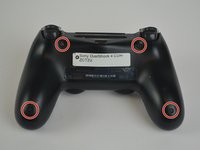
  1. DualShock 4 CUH-ZCT2 L1 and R1 Buttons Replacement, Outer Shell: passo 1, imagem 1 %32 DualShock 4 CUH-ZCT2 L1 and R1 Buttons Replacement, Outer Shell: passo 1, imagem 2 %32 DualShock 4 CUH-ZCT2 L1 and R1 Buttons Replacement, Outer Shell: passo 1, imagem 3 %32
    • Unscrew the four 6.5mm screws, using a Phillips-Head screwdriver.

    • Pry the two halves of the shell apart using a plastic opening tool.

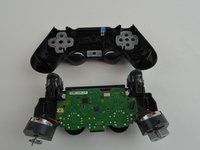
    • Be careful, as there will be a ribbon connecting the inner workings of the controller. It will not separate into two parts just by pulling apart the shell.

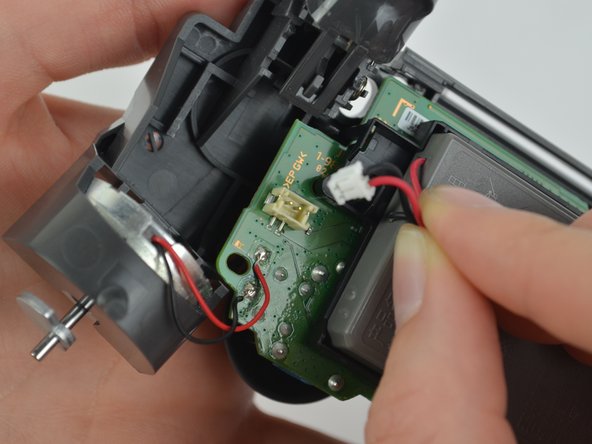
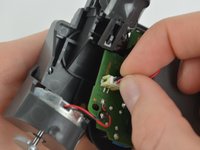
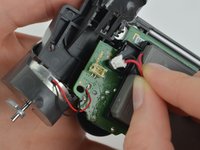
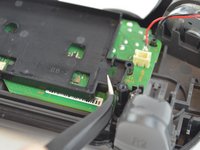
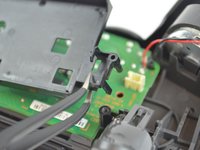
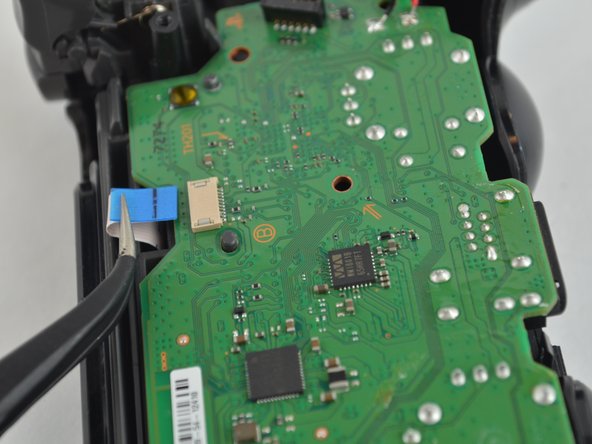
  2. DualShock 4 CUH-ZCT2 L1 and R1 Buttons Replacement: passo 2, imagem 1 %32 DualShock 4 CUH-ZCT2 L1 and R1 Buttons Replacement: passo 2, imagem 2 %32 DualShock 4 CUH-ZCT2 L1 and R1 Buttons Replacement: passo 2, imagem 3 %32
    Ferramenta utilizada neste passo:
    Tweezers
    $4.99
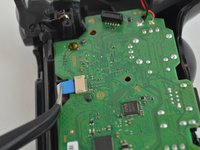
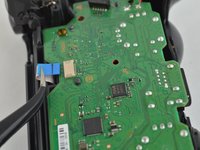
    • Pull the ribbon cable out of the motherboard port to fully separate the two halves, using a pair of tweezers.

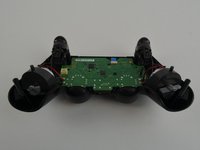
  3. DualShock 4 CUH-ZCT2 L1 and R1 Buttons Replacement, Battery: passo 3, imagem 1 %32 DualShock 4 CUH-ZCT2 L1 and R1 Buttons Replacement, Battery: passo 3, imagem 2 %32 DualShock 4 CUH-ZCT2 L1 and R1 Buttons Replacement, Battery: passo 3, imagem 3 %32
    • Unplug the black and red wires from the power port located on the motherboard.

    • Remove the old battery from the controller.

  4. DualShock 4 CUH-ZCT2 L1 and R1 Buttons Replacement: passo 4, imagem 1 %32 DualShock 4 CUH-ZCT2 L1 and R1 Buttons Replacement: passo 4, imagem 2 %32
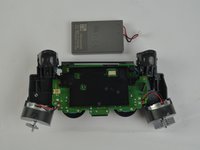
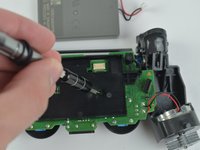
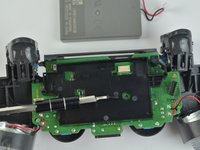
    • Remove the 6.43mm screw connecting the motherboard to the inner workings of the controller, using a Phillips-Head screwdriver.

  5. DualShock 4 CUH-ZCT2 L1 and R1 Buttons Replacement: passo 5, imagem 1 %32 DualShock 4 CUH-ZCT2 L1 and R1 Buttons Replacement: passo 5, imagem 2 %32 DualShock 4 CUH-ZCT2 L1 and R1 Buttons Replacement: passo 5, imagem 3 %32
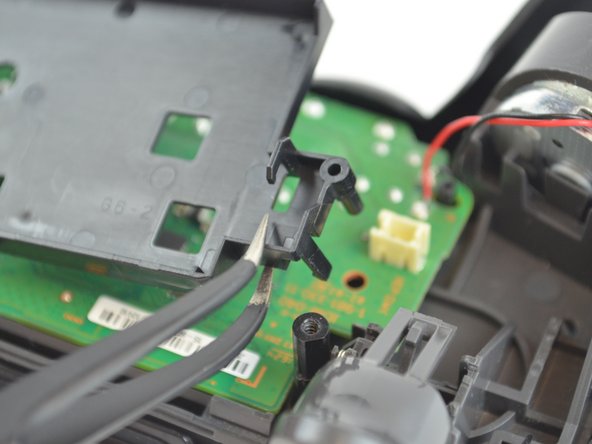
    • Unhook the battery case from the motherboard, and pull it off.

  6. DualShock 4 CUH-ZCT2 L1 and R1 Buttons Replacement, L and R Buttons: passo 6, imagem 1 %32 DualShock 4 CUH-ZCT2 L1 and R1 Buttons Replacement, L and R Buttons: passo 6, imagem 2 %32 DualShock 4 CUH-ZCT2 L1 and R1 Buttons Replacement, L and R Buttons: passo 6, imagem 3 %32
    • Pull out the second CPU ribbon to separate the inner workings from the top of the outer shell.

  7. DualShock 4 CUH-ZCT2 L1 and R1 Buttons Replacement: passo 7, imagem 1 %32 DualShock 4 CUH-ZCT2 L1 and R1 Buttons Replacement: passo 7, imagem 2 %32 DualShock 4 CUH-ZCT2 L1 and R1 Buttons Replacement: passo 7, imagem 3 %32
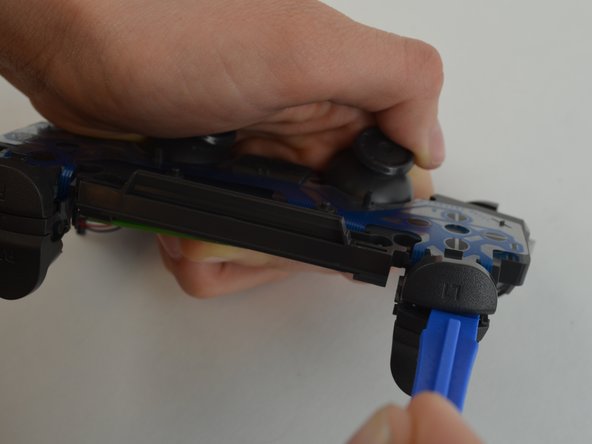
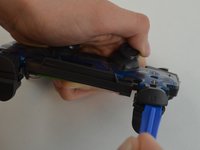
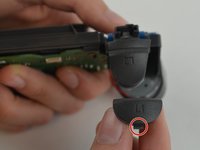
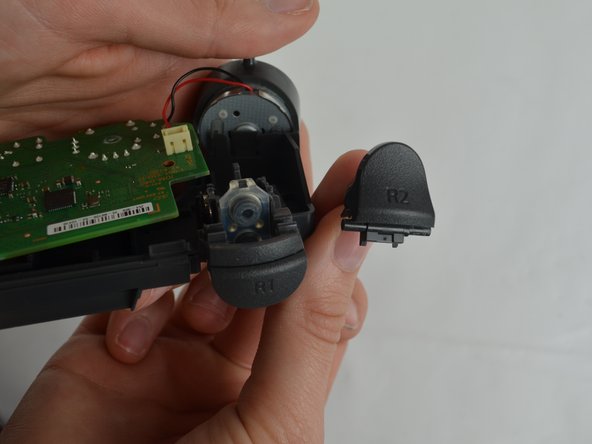
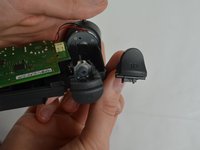
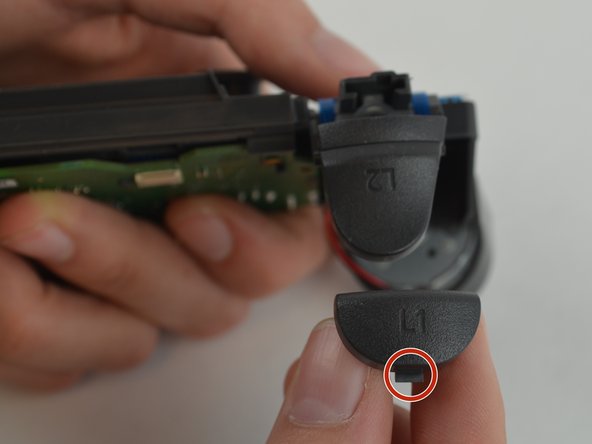
    • Pry the button from the controller using the plastic opening tool. Slide the tool between the buttons. There will be a tab you can push in to remove the button.

    • If too much force is applied, the button could go flying upon separating. Try not to force the buttons too much.

  8. DualShock 4 CUH-ZCT2 L1 and R1 Buttons Replacement: passo 8, imagem 1 %32 DualShock 4 CUH-ZCT2 L1 and R1 Buttons Replacement: passo 8, imagem 2 %32
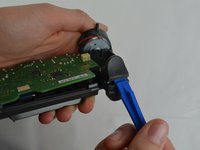
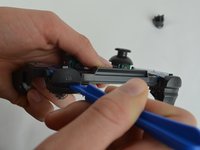
    • Insert the plastic opening tool into the space created when the button is pressed down. Make sure the tool is situated directly in the center of the space, before attempting to pry the button out.

Conclusão

To reassemble your device, follow these instructions in reverse order.

32 outras pessoas executaram este guia.

Michelle Joseph

Membro desde: 10/09/17

1.937 Reputação

Autoria de 3 guias

Equipe

USF Tampa, Team S1-G5, Leahy Fall 2017 Membro de USF Tampa, Team S1-G5, Leahy Fall 2017

USFT-LEAHY-F17S1G5

3 Membros

Autoria de 28 guias

5Comentários do guia

Is it possible to replace the zct2u triggers with custom 1st gen triggers? It seems like the only major difference is the extra piece on the latest models to prevent losing the trigger.

FTC Gaming - Responder
Does this stops the issue I have that is when I press L2, my character sometimes goes forward, like the L2 would be creating contact with the left directional going forward option.

Erick Xavier - Responder
My controller lost the R1, so I need to buy one to replace it. After pulling apart my controller, I noticed the back of the L1 button looks different (the plastic connection pieces are completely different) than the photos in your directions. Are there different types of shoulder buttons available? Or is it that my controller is a different generation? If so, do you supply the pieces for this controller type?

Corbin - Responder

Hey, can you explain the differences between the V1 and V2 Trigger buttons, they are different. I stepped on the R2 button and it ripped out the R2 button and damaged the housing (my father is the trades guy, obviously).

I don’t know if it’s worth fixing, or if I should just buy a new controller.

Andrew Ahmed - Responder

how to put them back

maria - Responder

Comentar

Visualizações:

Últimas 24 horas: 11

Últimos 7 dias: 145

Últimos 30 dias: 647

Ao todo: 48,430