Introdução
Follow this guide to replace the joystick covers on a Sony DualShock 4 CUH-ZCT2 PlayStation controller.
O que você precisa
-
-
Use a Phillips screwdriver to remove the four 6.4 mm-long screws from the rear panel.
-
-
-
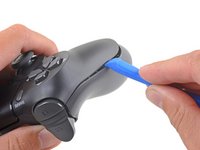
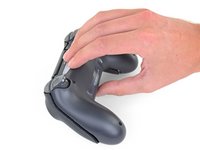
Insert an opening tool into the crease where the front and rear panel meet, starting from the outside edge of either handle.
-
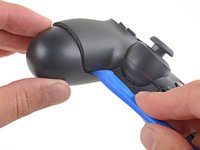
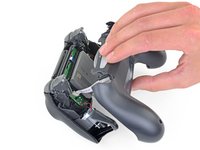
Gently pry the rear panel off of the front panel until they become partially separated.
-
-
-
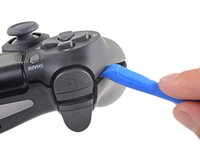
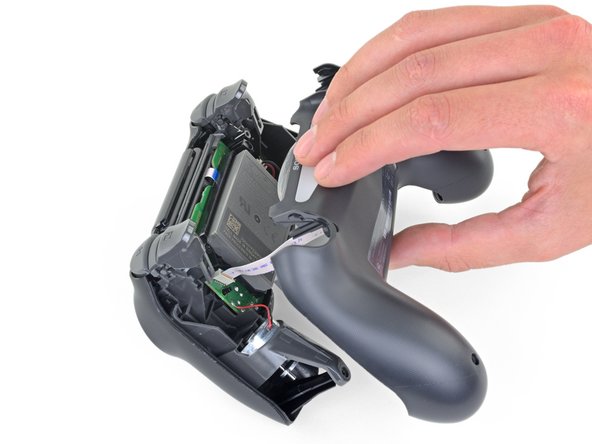
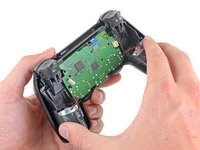
Use the opening tool to separate the panels by releasing the plastic clips around the perimeter of the controller.
-
-
-
Ferramenta utilizada neste passo:Tweezers$4.99
-
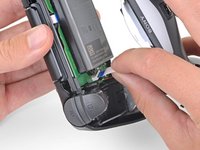
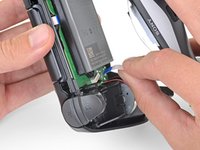
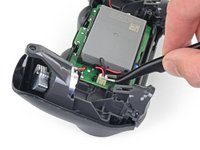
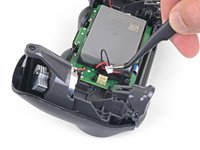
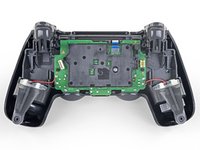
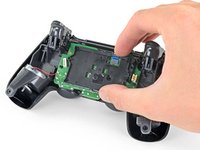
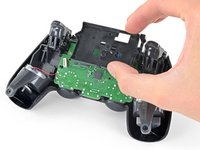
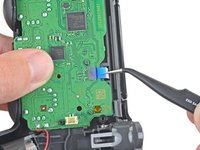
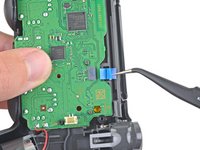
Use a pair of tweezers to pull the battery's power connector straight up from the motherboard.
-
-
-
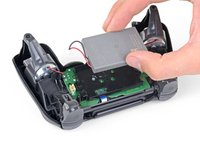
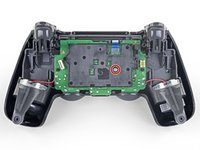
Use a Phillips screwdriver to remove the 6.4 mm-long screw securing the battery bracket.
-
-
-
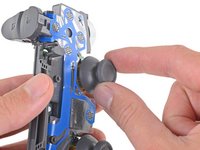
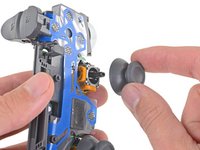
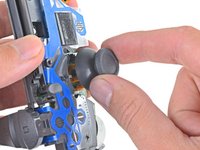
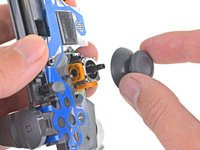
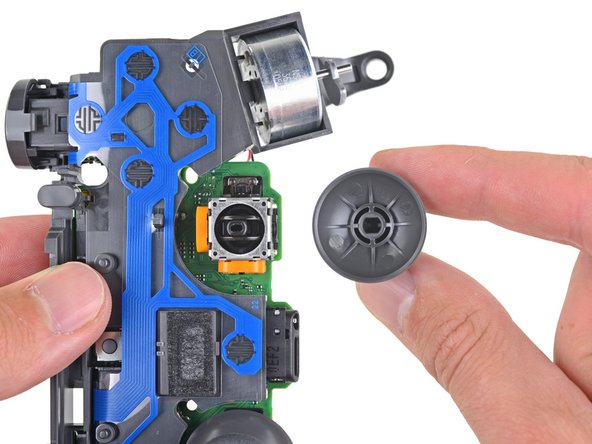
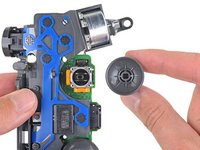
Pull the right joystick cover straight off the joystick module to remove it.
-






















To reassemble your device, follow the above steps in reverse order.
Repair didn’t go as planned? Check out our Answers community for troubleshooting help.
Cancelar: não concluí este guia.
37 outras pessoas executaram este guia.


3Comentários do guia
Are you able to replace the actual joystick with a diffrent one or are we only able to switch out covers?
this is a good point, i was wondering this as well
Kyeler W -
