Introdução
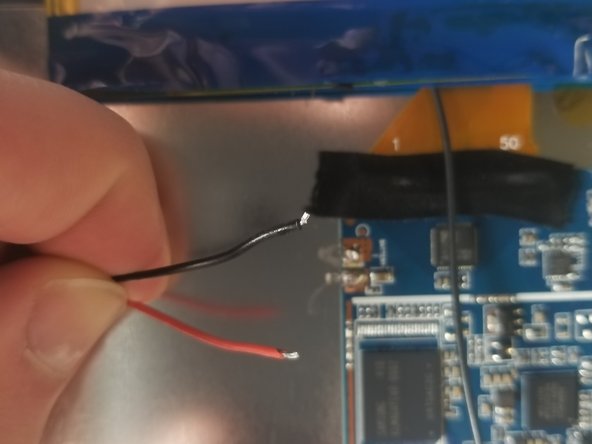
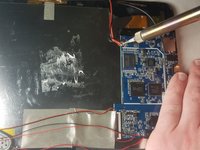
This guide will walk you through how to replace the battery of the device. In order to do this you must first remove the back cover. Once the back cover is off, you can remove and replace the battery.
O que você precisa
-
-
Insert the plastic opening tool between the white back cover and black front over.
-
-
-
Ferramenta utilizada neste passo:Plastic Cards$2.99
-
Insert the plastic card under the battery and use it to remove the battery from the device.
-


Conclusão
To reassemble your device, follow these instructions in reverse order.



Equipe

IUPUI, Team S5-G5, Baechle Spring 2018 Membro de IUPUI, Team S5-G5, Baechle Spring 2018
IUPUI-BAECHLE-S18S5G5
3 Membros
Autoria de 6 guias
1Comentário do guia
where can you find a replacement battery for this tablet?
