Ir para o conteúdo principal
Participe da comunidade de reparos - Criar conta

Doorknob Privacy Pin Replacement

O que você precisa

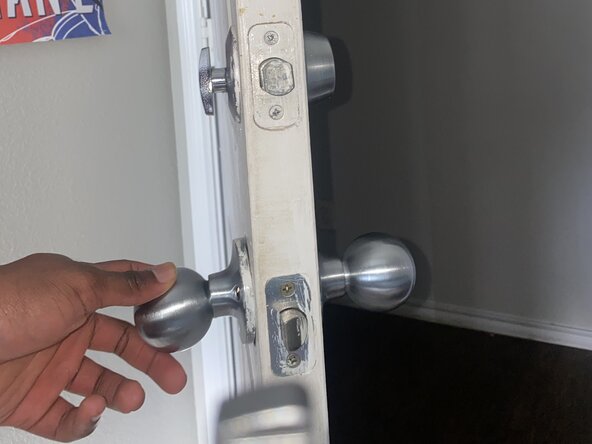
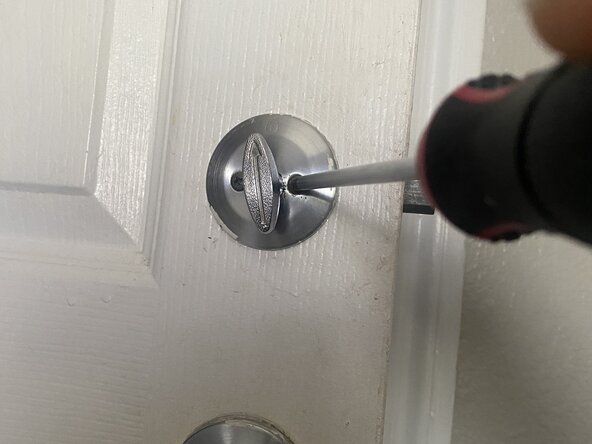
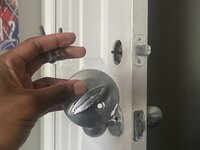
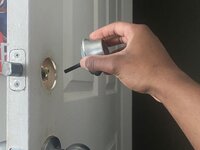
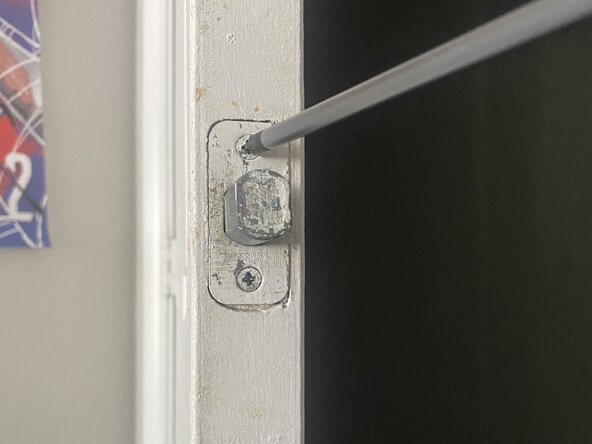
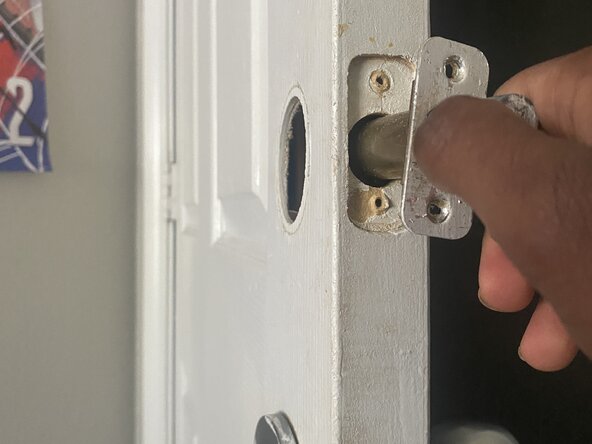
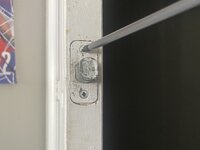
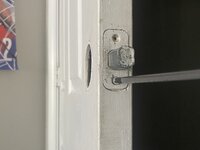
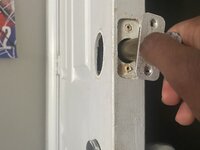
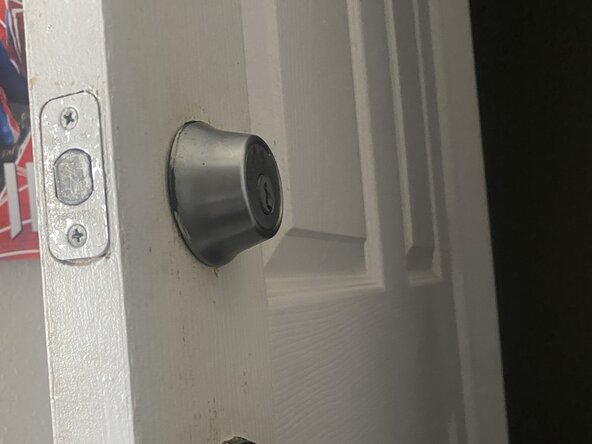
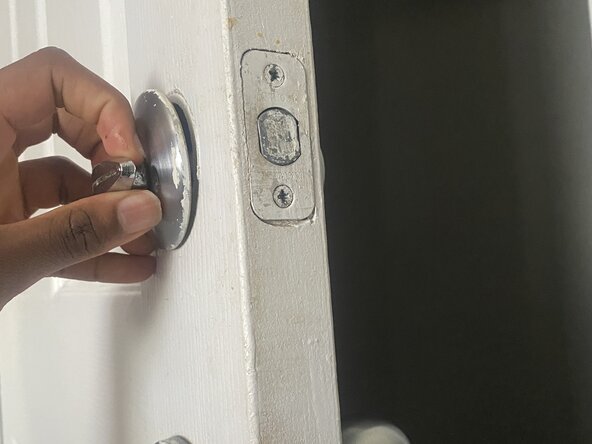
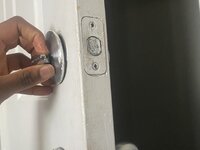
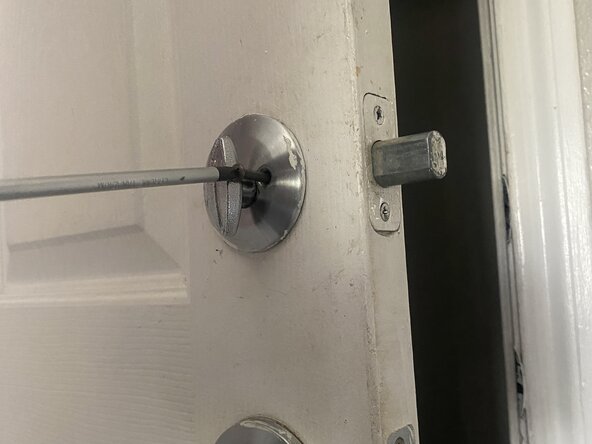
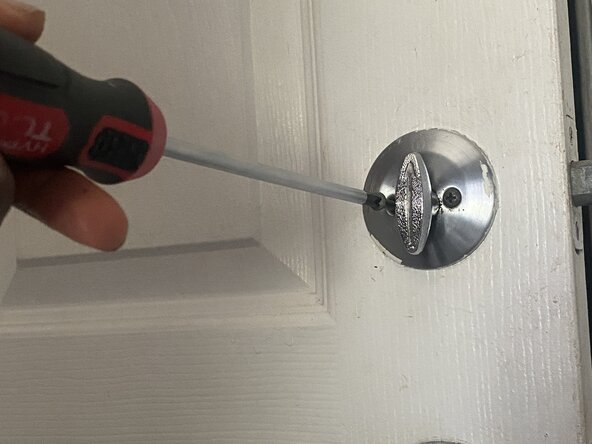
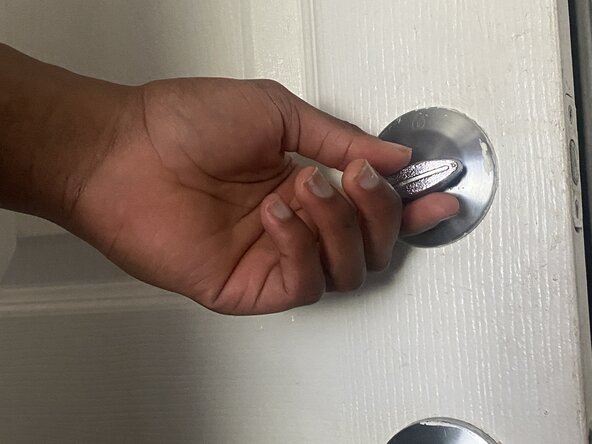
  1. Doorknob Privacy Pin Replacement, Doorknob Privacy Pin: passo 1, imagem 1 %32 Doorknob Privacy Pin Replacement, Doorknob Privacy Pin: passo 1, imagem 2 %32 Doorknob Privacy Pin Replacement, Doorknob Privacy Pin: passo 1, imagem 3 %32
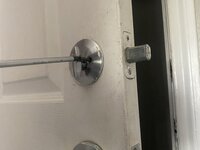
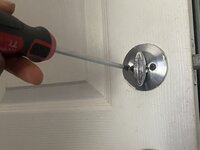
    • Use a Phillips #1 screwdriver to remove the two screws holding the interior and exterior doorknob halves together.

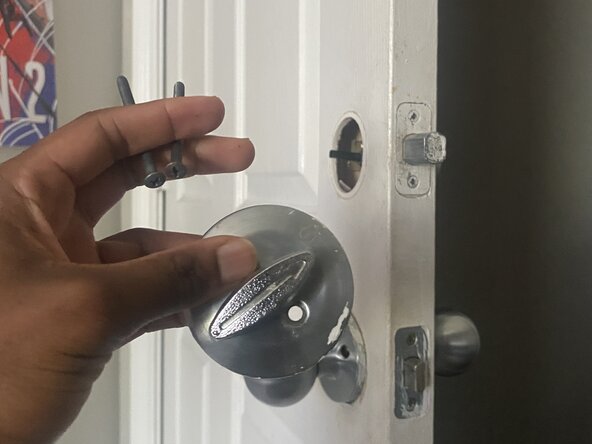
  2. Doorknob Privacy Pin Replacement: passo 2, imagem 1 %32 Doorknob Privacy Pin Replacement: passo 2, imagem 2 %32
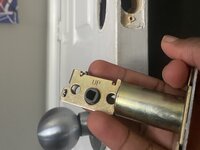
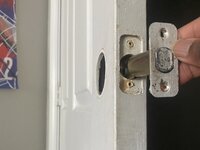
    • Carefully pull the doorknob halves apart.

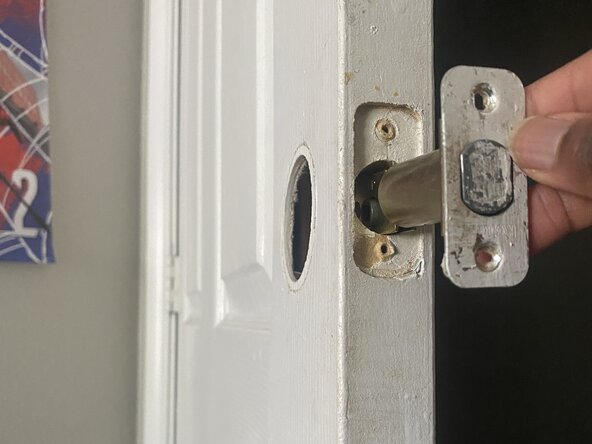
    • The spindle and the latch mechanism should now be accessible.

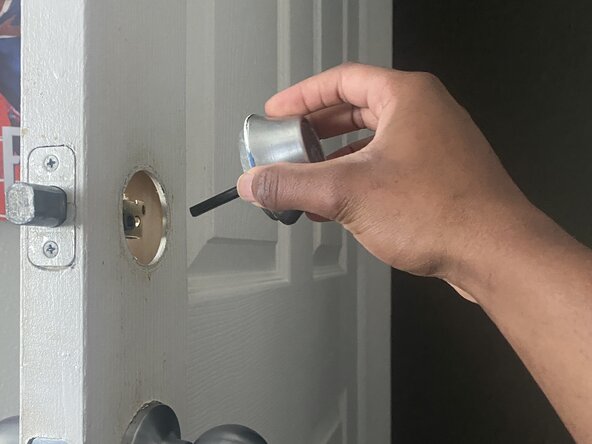
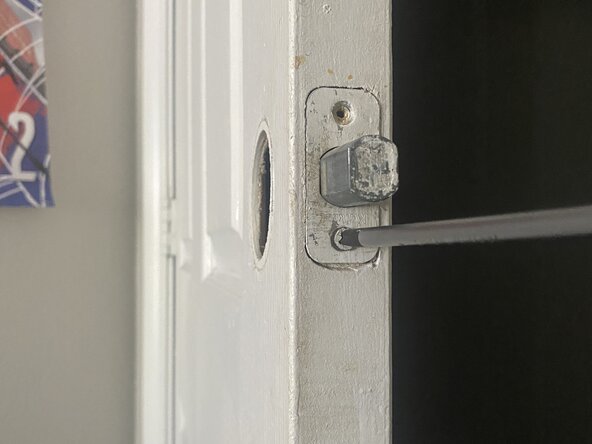
  3. Doorknob Privacy Pin Replacement: passo 3, imagem 1 %32 Doorknob Privacy Pin Replacement: passo 3, imagem 2 %32 Doorknob Privacy Pin Replacement: passo 3, imagem 3 %32
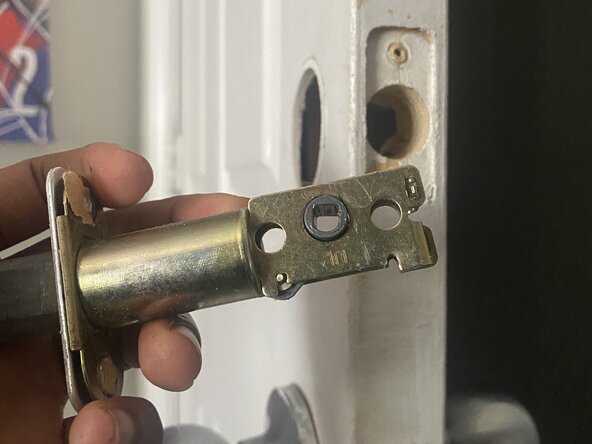
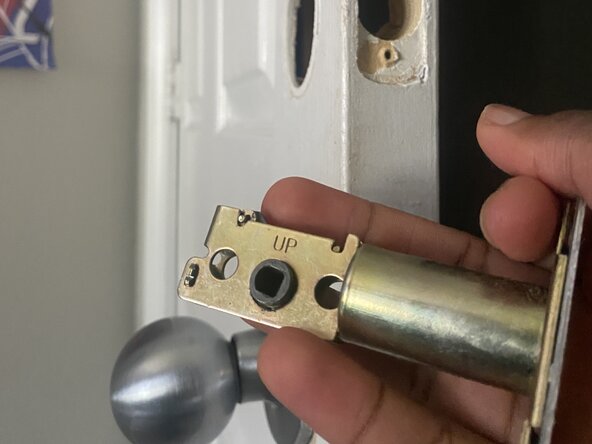
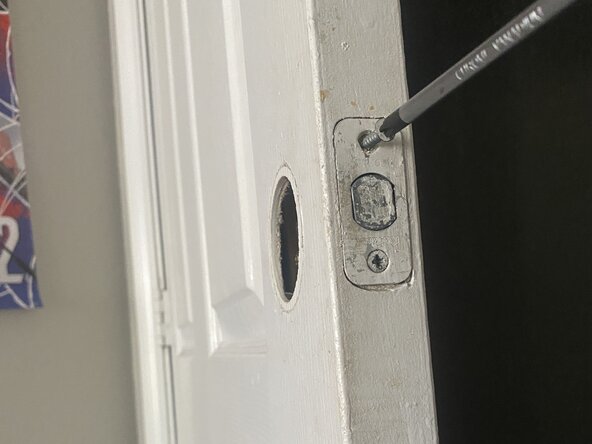
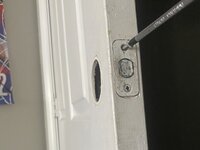
    • Use the Phillips #1 screwdriver to remove the privacy pin.

    • It is a small, threaded pin that screws into a hole on the latch mechanism itself or on the interior doorknob assembly.

  4. Doorknob Privacy Pin Replacement: passo 4, imagem 1 %32
    • Remove the old/ damaged privacy pin.

  5. Doorknob Privacy Pin Replacement: passo 5, imagem 1 %32 Doorknob Privacy Pin Replacement: passo 5, imagem 2 %32 Doorknob Privacy Pin Replacement: passo 5, imagem 3 %32
    • Screw the new privacy pin into the corresponding hole.

    • Ensure it's securely tightened but don't overtighten, as this could strip the threads.

  6. Doorknob Privacy Pin Replacement: passo 6, imagem 1 %32 Doorknob Privacy Pin Replacement: passo 6, imagem 2 %32 Doorknob Privacy Pin Replacement: passo 6, imagem 3 %32
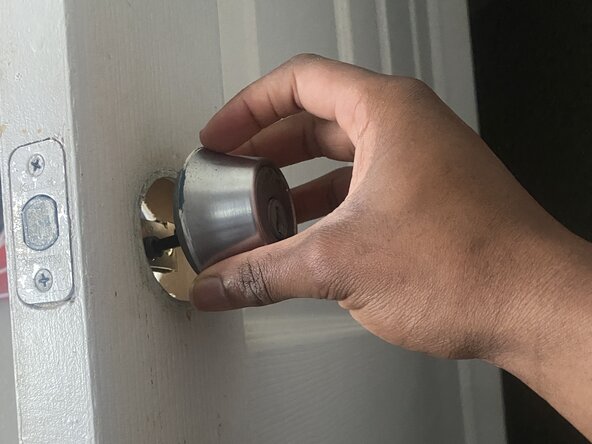
    • Align the spindle with the latch mechanism, then bring the two doorknob halves back together.

    • Make sure all parts are properly seated.

  7. Doorknob Privacy Pin Replacement: passo 7, imagem 1 %32 Doorknob Privacy Pin Replacement: passo 7, imagem 2 %32 Doorknob Privacy Pin Replacement: passo 7, imagem 3 %32
    • Securely fasten the two screws with the Phillips #1 screwdriver.

    • Snap or twist the decorative covers back into place (If applicable).

    • Test the privacy pin several times to ensure it engages and disengages smoothly.

Conclusão

To reassemble your device, follow these instructions in reverse order.

Elias Moseri

Membro desde: 06/15/25

145 Reputação

Autoria de 1 guia

0Comentários do guia

Comentar

Visualizações:

Últimas 24 horas: 1

Últimos 7 dias: 3

Últimos 30 dias: 22

Ao todo: 169