Ir para o conteúdo principal

Samsung SPH-A760 Motherboard Replacement

O que você precisa
  1. Samsung SPH-A760 Motherboard Replacement, Battery: passo 1, imagem 1 %32 Samsung SPH-A760 Motherboard Replacement, Battery: passo 1, imagem 2 %32
    • Push open the latch and remove the battery.

  2. Samsung SPH-A760 Motherboard Replacement, Antenna: passo 2, imagem 1 %32 Samsung SPH-A760 Motherboard Replacement, Antenna: passo 2, imagem 2 %32
    • Twist off the antenna.

    • Pop off the transparent cylinder.

  3. Samsung SPH-A760 Motherboard Replacement, Motherboard: passo 3, imagem 1 %32
    • Remove the five screws as shown.

  4. Samsung SPH-A760 Motherboard Replacement: passo 4, imagem 1 %32
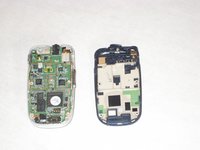
    • Carefully pry the back plate off.

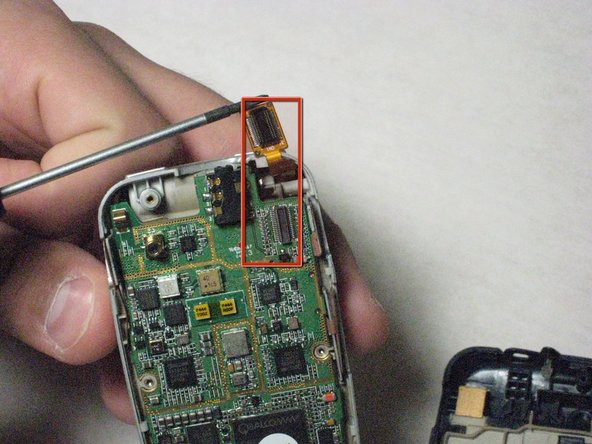
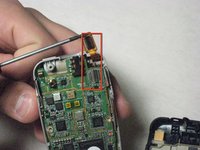
  5. Samsung SPH-A760 Motherboard Replacement: passo 5, imagem 1 %32 Samsung SPH-A760 Motherboard Replacement: passo 5, imagem 2 %32
    • Carefully detach golden screen connector.

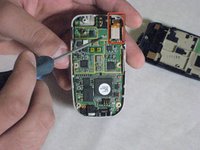
  6. Samsung SPH-A760 Motherboard Replacement: passo 6, imagem 1 %32 Samsung SPH-A760 Motherboard Replacement: passo 6, imagem 2 %32
    Ferramenta utilizada neste passo:
    Tweezers
    $4.99
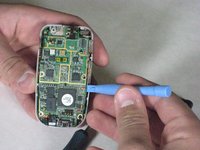
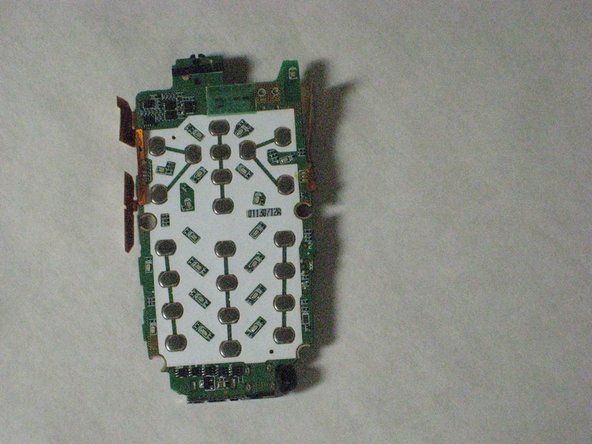
    • Pop out the logic board with spudger.

    • Caution: Do not touch with bare hands, use tweezers or wash hands before contact.

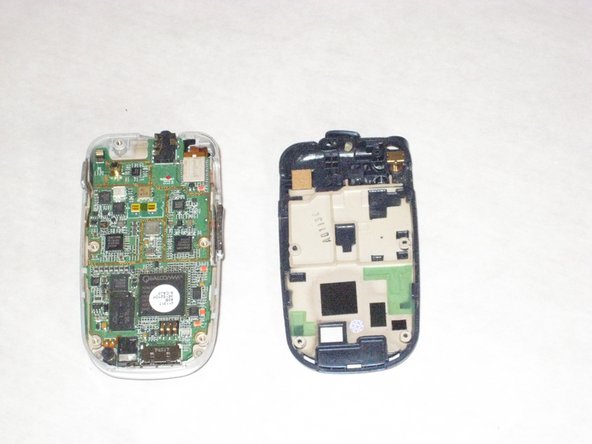
  7. Samsung SPH-A760 Motherboard Replacement: passo 7, imagem 1 %32 Samsung SPH-A760 Motherboard Replacement: passo 7, imagem 2 %32
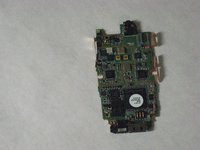
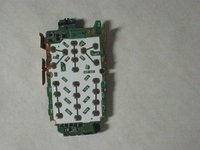
    • Place the logic board on a clean tray.

Conclusão

To reassemble your device, follow these instructions in reverse order.

Uma outra pessoa concluiu este guia.

David

Membro desde: 04/19/10

25 Reputação

Autoria de 6 guias

Equipe

Cal Poly, Team 10-43, Garner Spring 2010 Membro de Cal Poly, Team 10-43, Garner Spring 2010

CPSU-GARNER-S10S10G43

5 Membros

Autoria de 12 guias

0Comentários do guia

Comentar

Visualizações:

Últimas 24 horas: 0

Últimos 7 dias: 0

Últimos 30 dias: 1

Ao todo: 1,563