Ir para o conteúdo principal
Participe da comunidade de reparos - Criar conta

Disassembling Kodak Advantix F350 View Finder

O que você precisa

    1. Disassembling Kodak Advantix F350 View Finder, Back Cover: passo 1, imagem 1 %32
      • Turn off the camera.

      • Locate the power switch on the front of the camera below the camera lens.

      • Slide the switch to the off position.

      Pergunte ao FixBot

      Comentar

    2. Disassembling Kodak Advantix F350 View Finder: passo 2, imagem 1 %32 Disassembling Kodak Advantix F350 View Finder: passo 2, imagem 2 %32
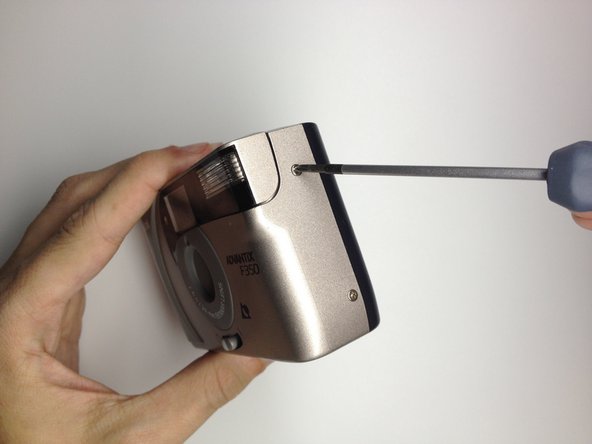
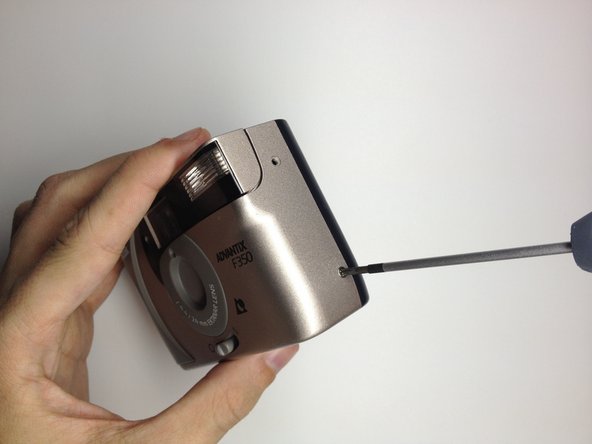
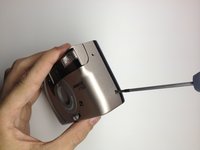
      • Locate the 3 screws that hold the back cover to the camera.

      • One screw is located on the film opener side of the camera.

      • The other screws are located on the opposite side of the camera.

      Pergunte ao FixBot

      Comentar

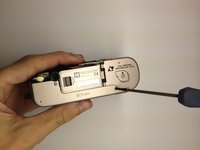
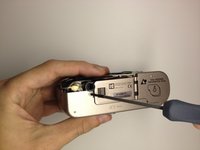
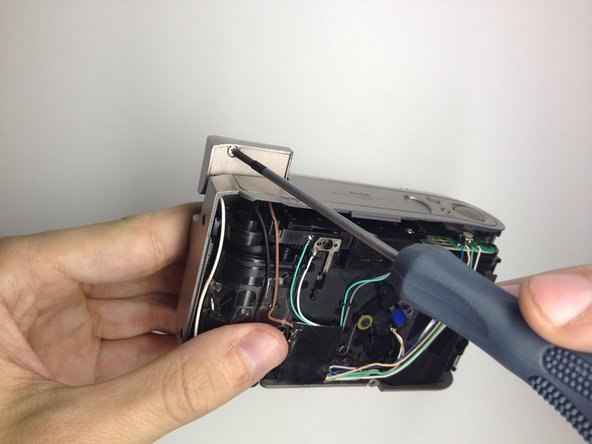
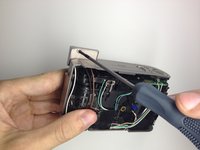
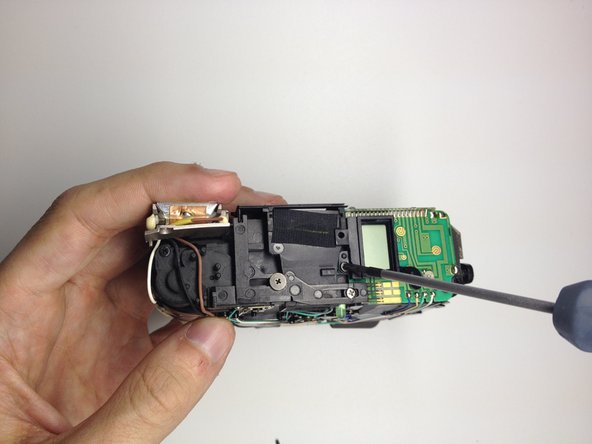
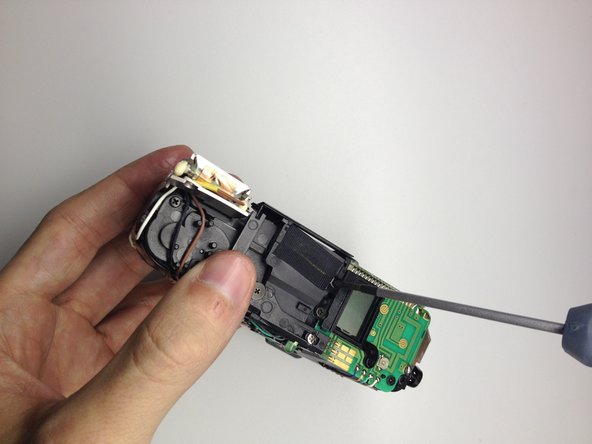
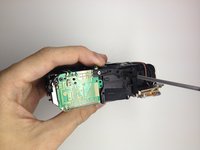
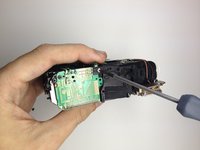
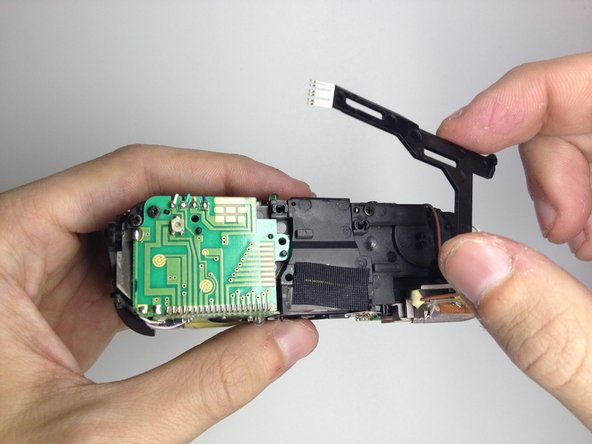
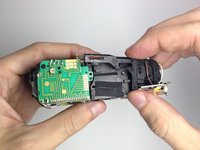
    3. Disassembling Kodak Advantix F350 View Finder: passo 3, imagem 1 %32 Disassembling Kodak Advantix F350 View Finder: passo 3, imagem 2 %32 Disassembling Kodak Advantix F350 View Finder: passo 3, imagem 3 %32
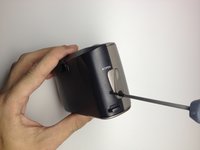
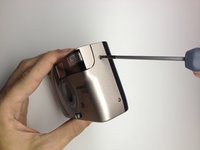
      • Use the Phillips #00 Precision Screwdriver and remove the screws on the back cover.

      Pergunte ao FixBot

      Comentar

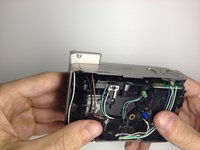
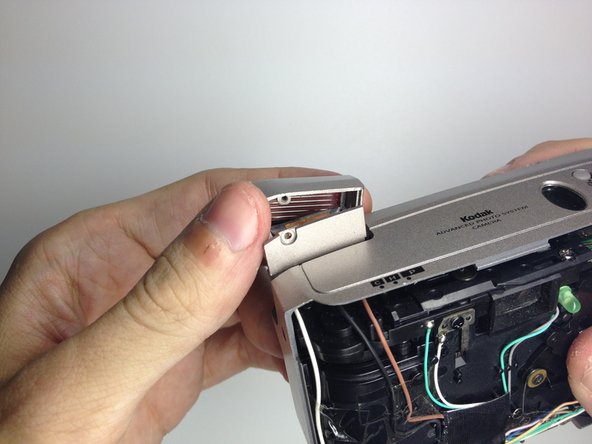
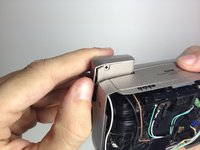
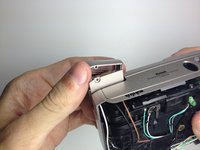
    4. Disassembling Kodak Advantix F350 View Finder: passo 4, imagem 1 %32 Disassembling Kodak Advantix F350 View Finder: passo 4, imagem 2 %32
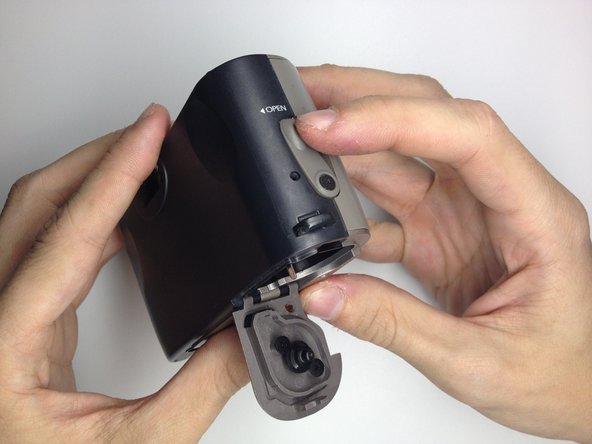
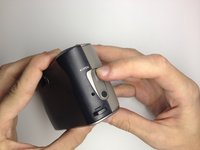
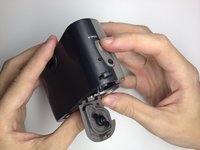
      • Open the film door to remove the back cover.

      • Slide the film door lever to the left until the film door opens.

      Pergunte ao FixBot

      Comentar

    5. Disassembling Kodak Advantix F350 View Finder: passo 5, imagem 1 %32 Disassembling Kodak Advantix F350 View Finder: passo 5, imagem 2 %32
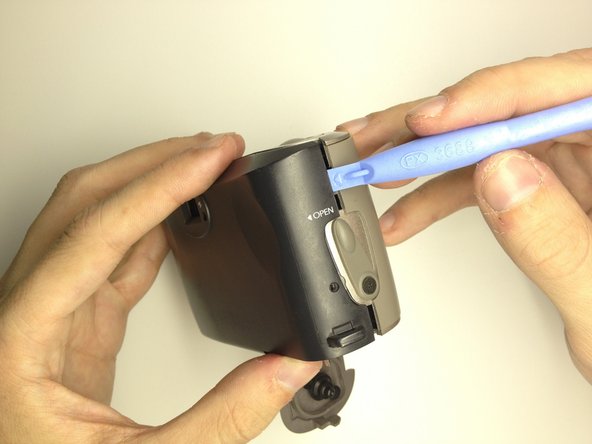
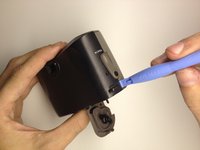
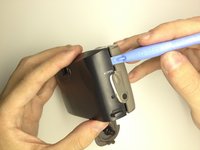
      • Use a plastic opening tool to pry the case open until a small gap is present.

      • Repeat this process at the top and bottom of the film door to loosen it.

      Pergunte ao FixBot

      Comentar

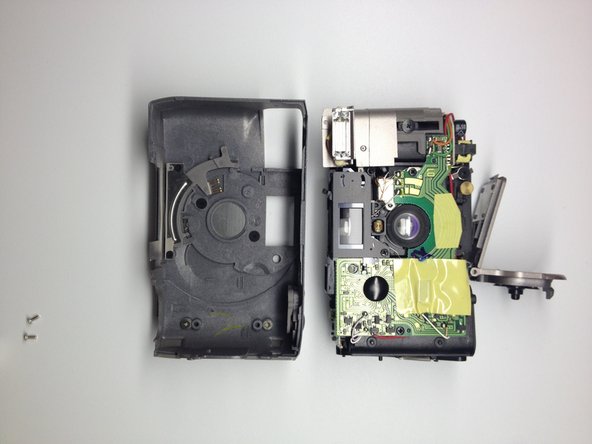
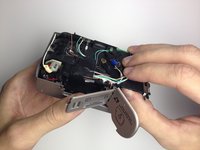
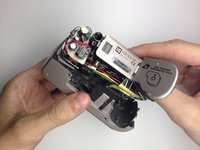
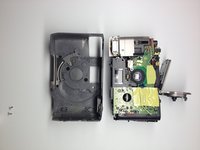
    6. Disassembling Kodak Advantix F350 View Finder: passo 6, imagem 1 %32 Disassembling Kodak Advantix F350 View Finder: passo 6, imagem 2 %32 Disassembling Kodak Advantix F350 View Finder: passo 6, imagem 3 %32
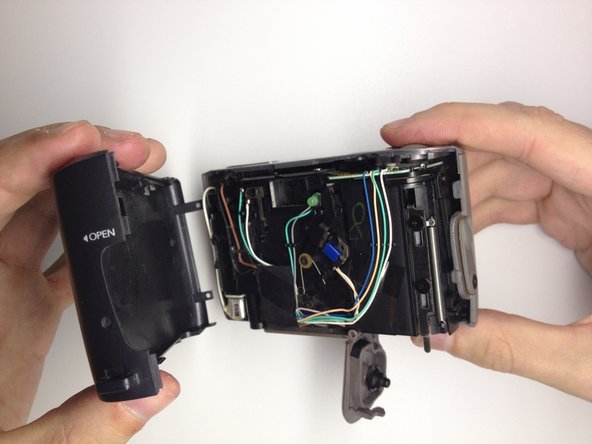
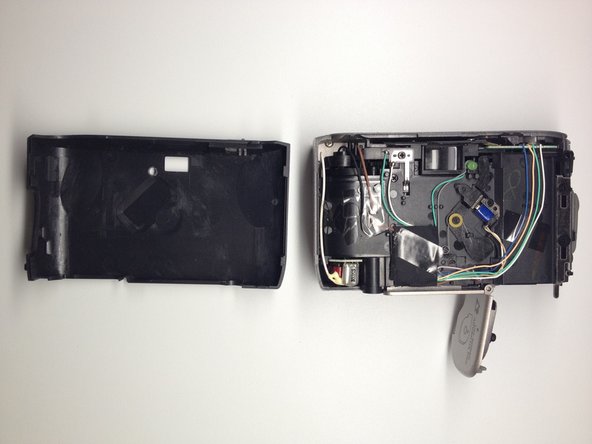
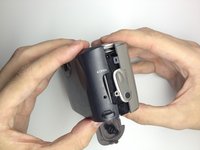
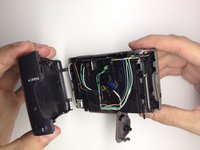
      • Grab the top and bottom of the case firmly as shown.

      • Gently remove the back of the camera case with a slight twisting motion.

      Pergunte ao FixBot

      Comentar

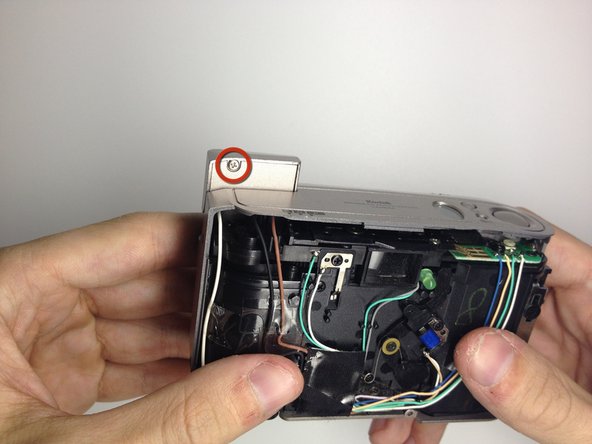
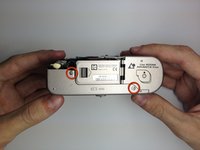
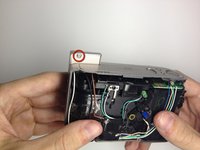
    1. Disassembling Kodak Advantix F350 View Finder, Front Cover: passo 7, imagem 1 %32 Disassembling Kodak Advantix F350 View Finder, Front Cover: passo 7, imagem 2 %32
      • Locate the 3 screws on the camera that hold the front cover of the camera to the camera body.

      • The first 2 are located on the bottom of the camera.

      • The last screw is located behind the flash module.

      • Turn the camera on, and raise the flash module to locate the flash module screw.

      Pergunte ao FixBot

      Comentar

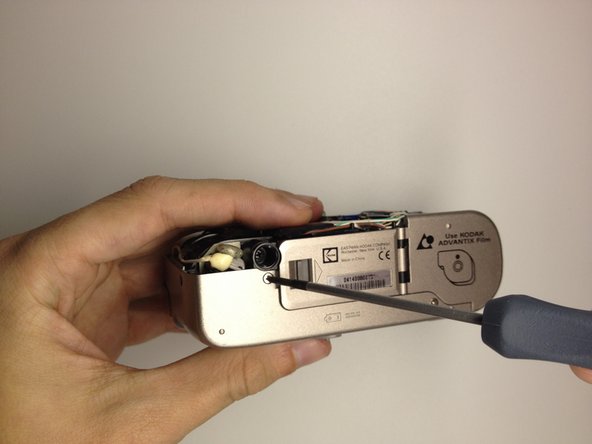
    2. Disassembling Kodak Advantix F350 View Finder: passo 8, imagem 1 %32 Disassembling Kodak Advantix F350 View Finder: passo 8, imagem 2 %32
      • Remove the 2 screws at the base of the camera housing.

      • Use the Phillips #00 Precision Screwdriver and remove the screws.

      • Repeat this process for the screw behind the flash module.

      Pergunte ao FixBot

      Comentar

    3. Disassembling Kodak Advantix F350 View Finder: passo 9, imagem 1 %32 Disassembling Kodak Advantix F350 View Finder: passo 9, imagem 2 %32
      • Remove the screw located under the flash module using the Phillips #00 Precision Screwdriver.

      Pergunte ao FixBot

      Comentar

    4. Disassembling Kodak Advantix F350 View Finder: passo 10, imagem 1 %32 Disassembling Kodak Advantix F350 View Finder: passo 10, imagem 2 %32
      • Remove the flash cover.

      • Remove the flash module by twisting it up and outward of the camera housing.

      • The cover can now be be removed.

      Pergunte ao FixBot

      Comentar

    5. Disassembling Kodak Advantix F350 View Finder: passo 11, imagem 1 %32 Disassembling Kodak Advantix F350 View Finder: passo 11, imagem 2 %32
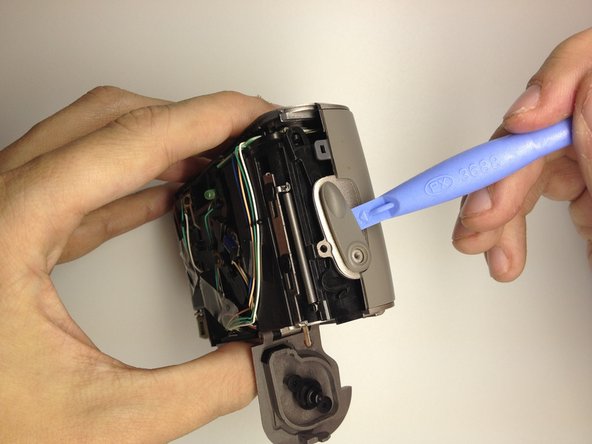
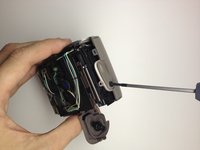
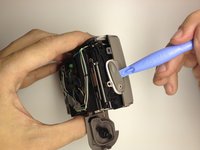
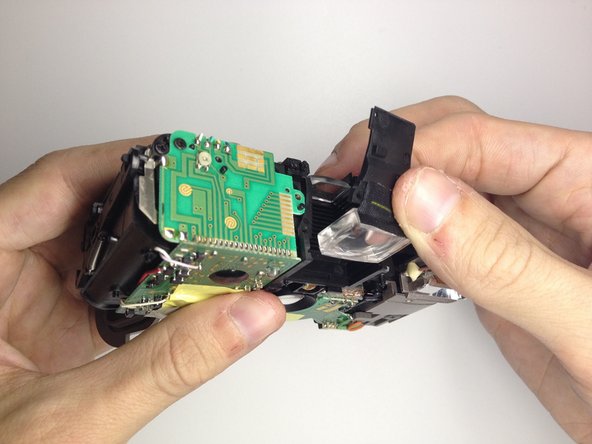
      • Remove the film door lever.

      • Remove the screw holding the film lever in place by using a Phillips #00 Precision Screwdriver.

      • Using a plastic opening tool, gently pry the switch upwards to remove it.

      Pergunte ao FixBot

      Comentar

    6. Disassembling Kodak Advantix F350 View Finder: passo 12, imagem 1 %32
      • Open the battery door by pushing the lever towards the arrow indicated.

      Pergunte ao FixBot

      Comentar

    7. Disassembling Kodak Advantix F350 View Finder: passo 13, imagem 1 %32 Disassembling Kodak Advantix F350 View Finder: passo 13, imagem 2 %32 Disassembling Kodak Advantix F350 View Finder: passo 13, imagem 3 %32
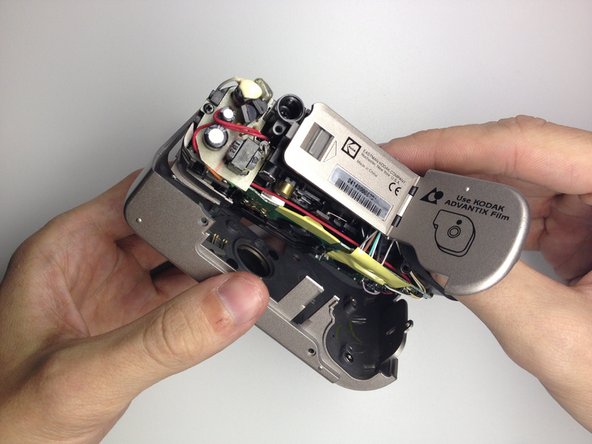
      • Remove the front cover.

      • Insert your thumb in the film hole and gently pry the bottom loose.

      • Once the front is loose, gently pull it out.

      Pergunte ao FixBot

      Comentar

    1. Disassembling Kodak Advantix F350 View Finder, Display: passo 14, imagem 1 %32
      • Locate the 3 screws on the top of the camera.

      • These will be removed in the next step.

      Pergunte ao FixBot

      Comentar

    2. Disassembling Kodak Advantix F350 View Finder: passo 15, imagem 1 %32 Disassembling Kodak Advantix F350 View Finder: passo 15, imagem 2 %32 Disassembling Kodak Advantix F350 View Finder: passo 15, imagem 3 %32
      • Remove the 3 screws using the Phillips #00 Precision Screwdriver.

      Pergunte ao FixBot

      Comentar

    3. Disassembling Kodak Advantix F350 View Finder: passo 16, imagem 1 %32 Disassembling Kodak Advantix F350 View Finder: passo 16, imagem 2 %32
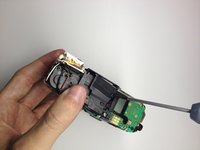
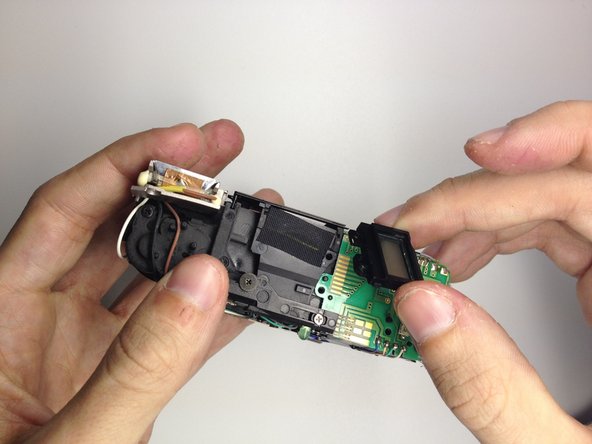
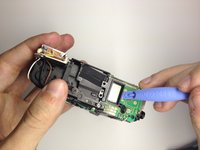
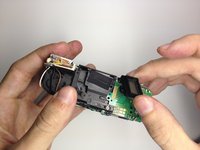
      • Remove the LCD.

      • Gently pry the LCD and plastic bezel upward with a plastic opening tool.

      • Remove LCD and replace as needed.

      Pergunte ao FixBot

      Comentar

    1. Disassembling Kodak Advantix F350 View Finder, View Finder: passo 17, imagem 1 %32
      • Locate the screw on the front of the camera that holds the view finder assembly.

      Pergunte ao FixBot

      Comentar

    2. Disassembling Kodak Advantix F350 View Finder: passo 18, imagem 1 %32
      • Using the Phillips #00 Precision Screwdriver, remove the screw.

      Pergunte ao FixBot

      Comentar

    3. Disassembling Kodak Advantix F350 View Finder: passo 19, imagem 1 %32 Disassembling Kodak Advantix F350 View Finder: passo 19, imagem 2 %32
      • Remove the 3 view finder covers.

      • The first one is metal and comes off easily.

      • The last two are plastic and tend to fall off, so gently remove them.

      Pergunte ao FixBot

      Comentar

    4. Disassembling Kodak Advantix F350 View Finder: passo 20, imagem 1 %32
      • Locate the 2 screws on the top of the camera.

      • These are holding the view finder assembly in place.

      Pergunte ao FixBot

      Comentar

    5. Disassembling Kodak Advantix F350 View Finder: passo 21, imagem 1 %32 Disassembling Kodak Advantix F350 View Finder: passo 21, imagem 2 %32
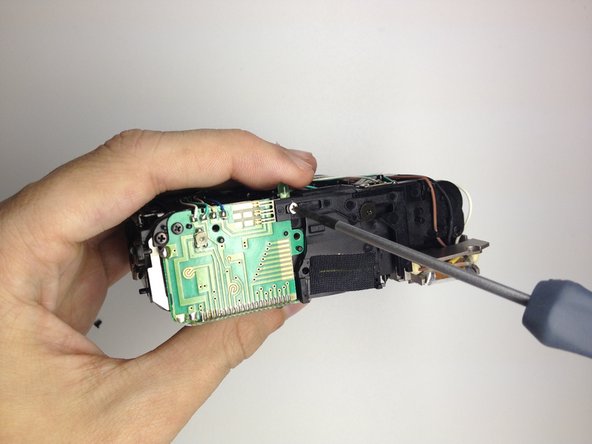
      • Use the Phillips #00 Precision Screwdriver to remove the screws.

      Pergunte ao FixBot

      Comentar

    6. Disassembling Kodak Advantix F350 View Finder: passo 22, imagem 1 %32 Disassembling Kodak Advantix F350 View Finder: passo 22, imagem 2 %32
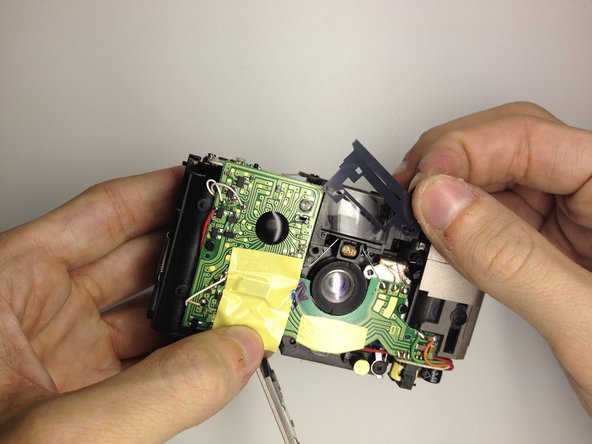
      • Remove the mount holding the view finder in place.

      Pergunte ao FixBot

      Comentar

    7. Disassembling Kodak Advantix F350 View Finder: passo 23, imagem 1 %32 Disassembling Kodak Advantix F350 View Finder: passo 23, imagem 2 %32
      • Remove the front view finder.

      • Gently fold the plastic up from the back.

      • Pull up to remove the front view finder.

      Pergunte ao FixBot

      Comentar

    8. Disassembling Kodak Advantix F350 View Finder: passo 24, imagem 1 %32
      • Gently grab the back view finder.

      • Slide up to remove from camera.

      Pergunte ao FixBot

      Comentar

Conclusão

To reassemble your device, follow these instructions in reverse order.

Cancelar: não concluí este guia.

3 outras pessoas executaram este guia.

Equipe

UW Stout, Team 1-2, Zhou Fall 2011 Membro de UW Stout, Team 1-2, Zhou Fall 2011

UWSTOUT-ZHOU-F11S1G2

4 Membros

Autoria de 10 guias

0Comentários do guia

Comentar

Visualizações:

Últimas 24 horas: 1

Últimos 7 dias: 6

Últimos 30 dias: 26

Ao todo: 1,686