Ir para o conteúdo principal
Participe da comunidade de reparos - Criar conta

Dell Latitude 3380 Display Assembly Replacement

O que você precisa

  1. Dell Latitude 3380 Display Assembly Replacement, Back Cover: passo 1, imagem 1 %32 Dell Latitude 3380 Display Assembly Replacement, Back Cover: passo 1, imagem 2 %32
    • Turn the laptop over so that the back is facing up.

    • Remove the nine 3 mm screws with a Phillips #0 screwdriver.

  2. Dell Latitude 3380 Display Assembly Replacement: passo 2, imagem 1 %32 Dell Latitude 3380 Display Assembly Replacement: passo 2, imagem 2 %32
    • Use an opening tool to pry the back cover away from the laptop.

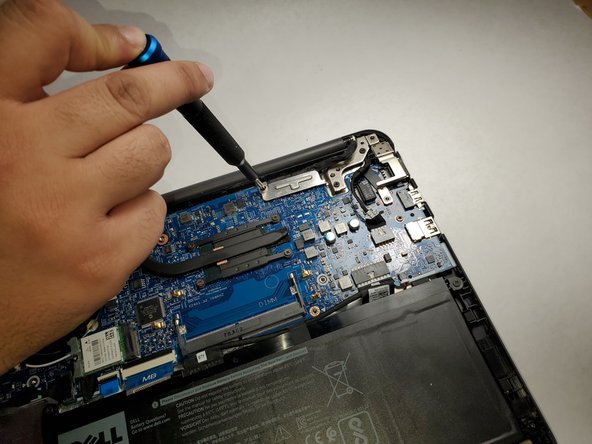
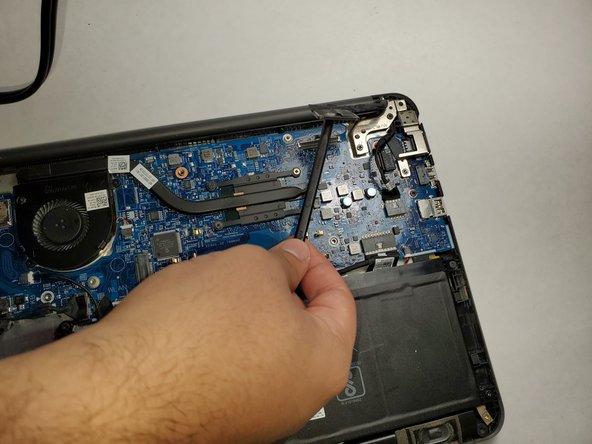
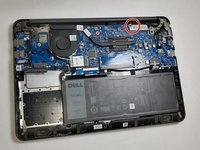
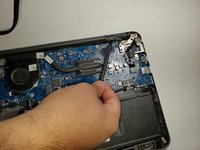
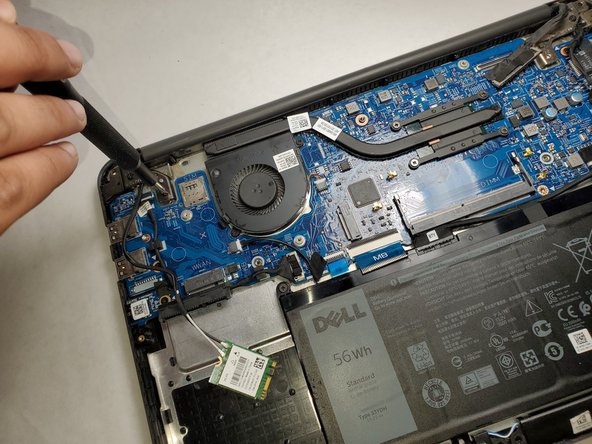
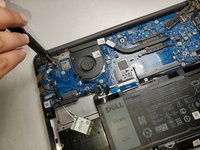
  3. Dell Latitude 3380 Display Assembly Replacement, Display Assembly: passo 3, imagem 1 %32 Dell Latitude 3380 Display Assembly Replacement, Display Assembly: passo 3, imagem 2 %32 Dell Latitude 3380 Display Assembly Replacement, Display Assembly: passo 3, imagem 3 %32
    • Remove the single 3 mm screw from the metal bracket using a Phillips #0 screwdriver.

    • Remove the metal bracket.

    • Use a spudger to gently detach the connector from the motherboard.

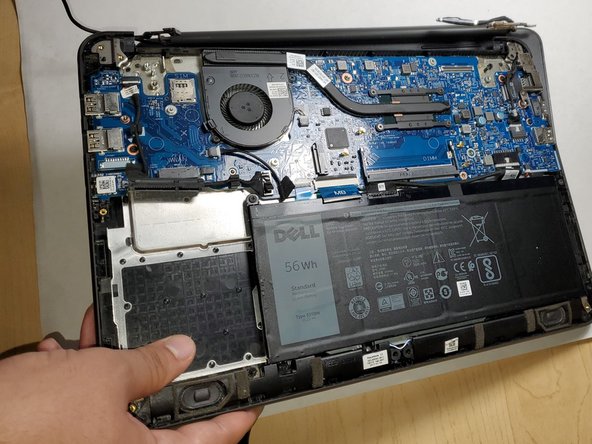
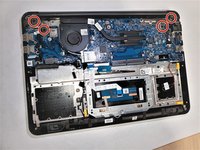
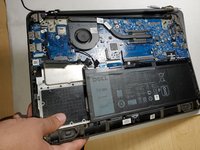
  4. Dell Latitude 3380 Display Assembly Replacement: passo 4, imagem 1 %32 Dell Latitude 3380 Display Assembly Replacement: passo 4, imagem 2 %32 Dell Latitude 3380 Display Assembly Replacement: passo 4, imagem 3 %32
    • Remove the two 3 mm screws (four total) from both sides of the laptop using a Phillips #0 screwdriver.

    • Lift up the bottom part of the laptop to separate the display assembly from the rest of the laptop.

Conclusão

To reassemble your device, follow these instructions in reverse order.

Uma outra pessoa concluiu este guia.

Michael Wood

Membro desde: 09/02/21

398 Reputação

Autoria de 3 guias

Equipe

Gateway, Team 1-3, Pee Fall 2021 Membro de Gateway, Team 1-3, Pee Fall 2021

GCC-PEE-F21S1G3

3 Membros

Autoria de 6 guias

0Comentários do guia

Comentar

Visualizações:

Últimas 24 horas: 1

Últimos 7 dias: 9

Últimos 30 dias: 18

Ao todo: 683