O que você precisa
-
-
-
Flip the laptop over and open the display to start removing the keyboard
-
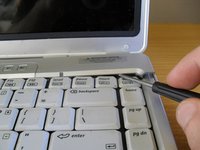
Slide a small flat blade screwdriver between the insert and delete keys and lever the button board cover off
-
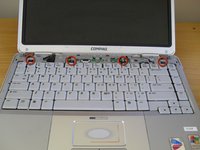
Remove the four keyboard screws (dark coloured 4mm screws)
-
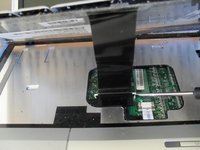
Lift up the keyboard, but beware of the cable underneath still to be removed
-
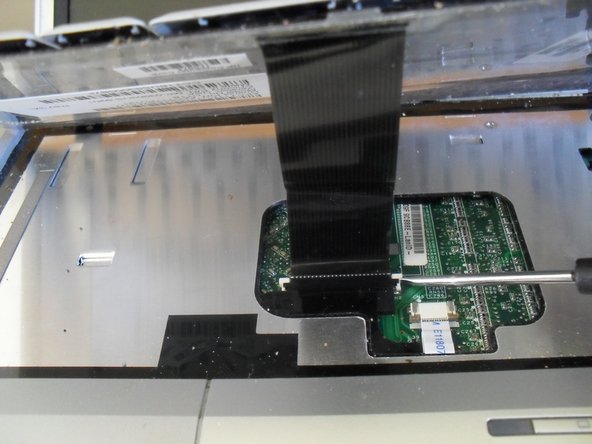
Loosen the socket for the keyboard cable and remove the keyboard
-
-
-
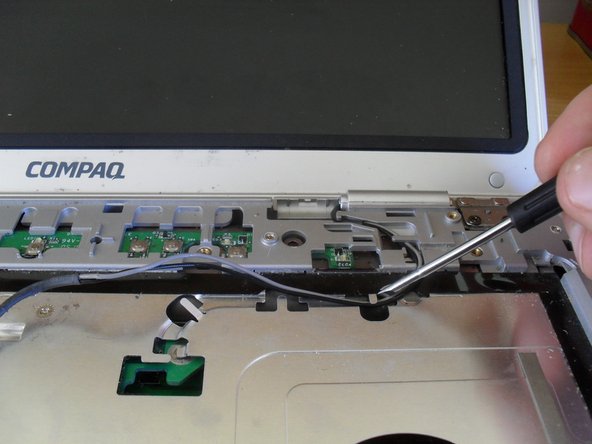
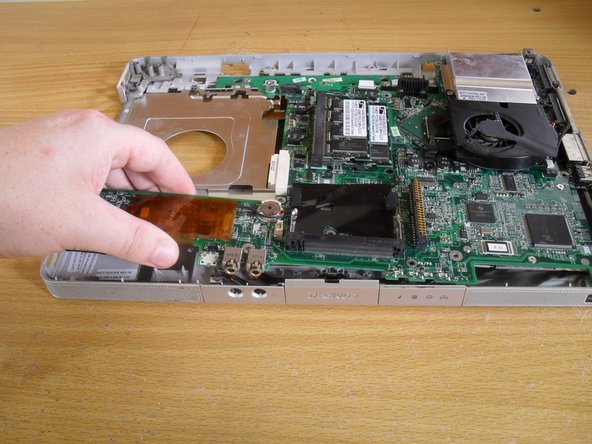
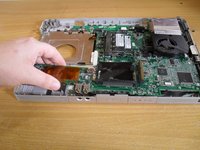
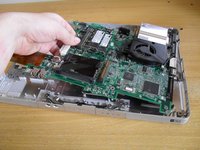
Remove the left side of the motherboard first. It may be necessary to bent the case a little to get the firewire and USB port away from the case
-
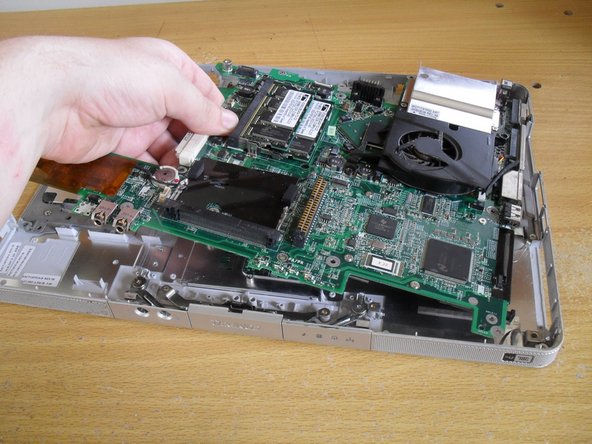
Pull on the middle of the board next, angling up to clear the front audio jacks from the case
-
Pull the board away from the right side of the case
-







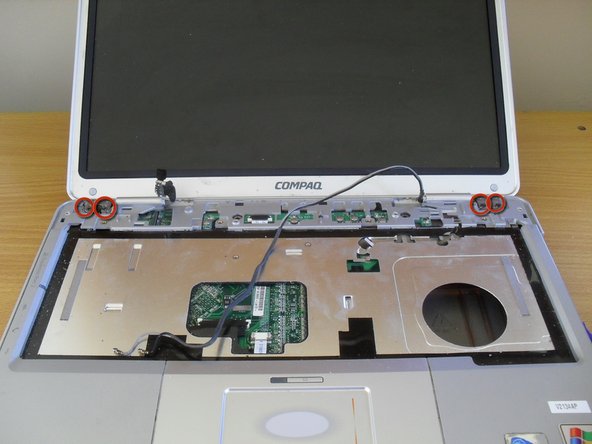
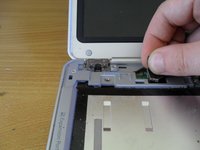
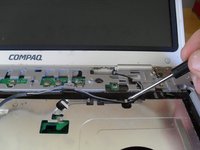
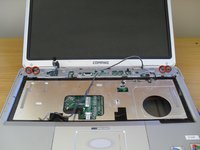


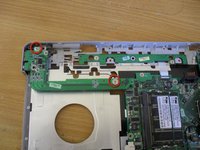
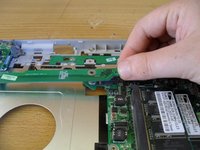


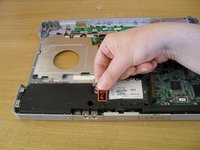
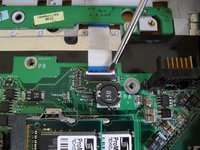




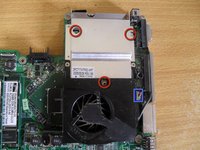
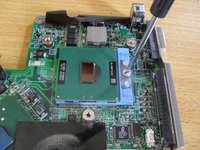
To reassemble your device, follow these instructions in reverse order. See special reassembly notes in steps 10 and 12.
Cancelar: não concluí este guia.
8 outras pessoas executaram este guia.



1Comentário do guia
How to clean the fan cooler? do i have to disassemble it whole or can i just blow it from the outside, no tools?
