Ir para o conteúdo principal
Participe da comunidade de reparos - Criar conta

Canon Pixma MG7720 Control Panel Replacement

O que você precisa

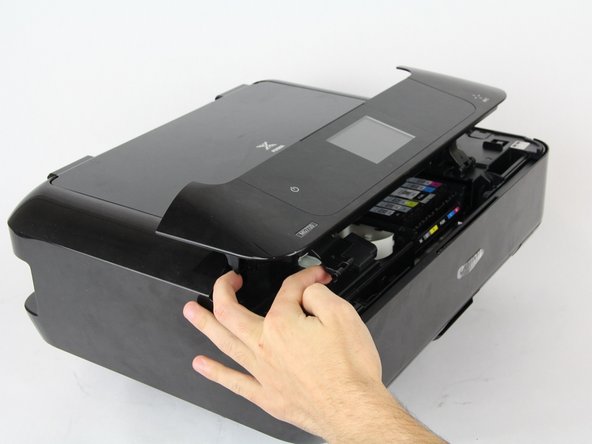
  1. Canon Pixma MG7720 Control Panel Replacement, Control Panel: passo 1, imagem 1 %32 Canon Pixma MG7720 Control Panel Replacement, Control Panel: passo 1, imagem 2 %32
    • Open the front part of the printer and use your finger to depress the tab behind the front hinge in order to release it.

    • Repeat this with both the left and right front hinges.

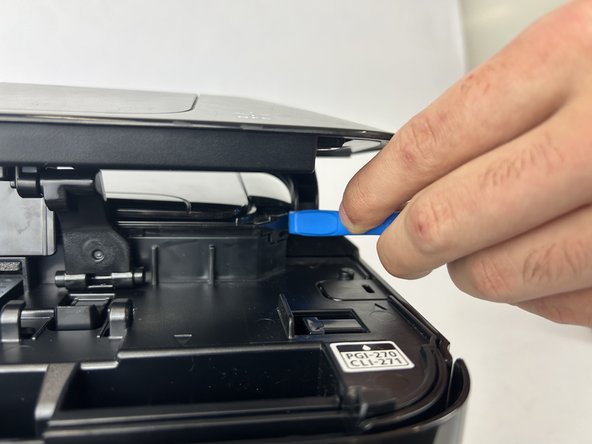
  2. Canon Pixma MG7720 Control Panel Replacement: passo 2, imagem 1 %32 Canon Pixma MG7720 Control Panel Replacement: passo 2, imagem 2 %32 Canon Pixma MG7720 Control Panel Replacement: passo 2, imagem 3 %32
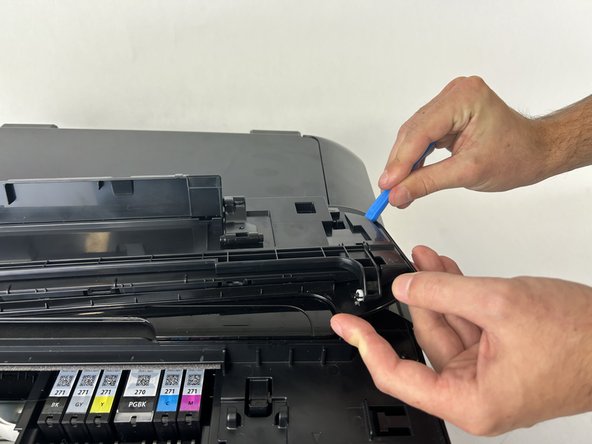
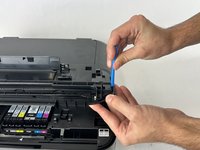
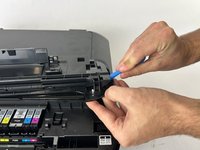
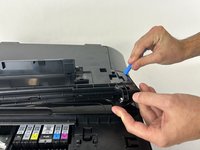
    • Use the iFixit Opening Tool to pull the hinge away from the printer, then pull the hinge forward.

    • Repeat this with both of the rear hinges.

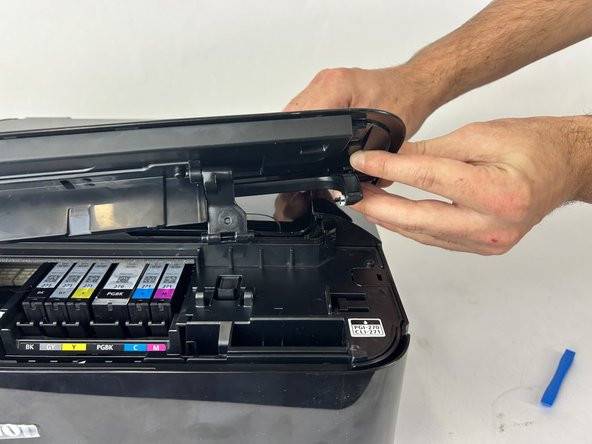
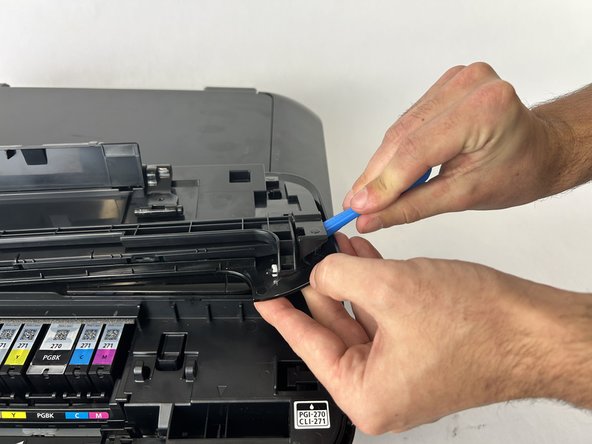
  3. Canon Pixma MG7720 Control Panel Replacement: passo 3, imagem 1 %32 Canon Pixma MG7720 Control Panel Replacement: passo 3, imagem 2 %32 Canon Pixma MG7720 Control Panel Replacement: passo 3, imagem 3 %32
    • Use the iFixit Opening Tool to pull up on the back cover.

    • Use the tool lightly on both ends of the back cover to prevent bending.

  4. Canon Pixma MG7720 Control Panel Replacement: passo 4, imagem 1 %32 Canon Pixma MG7720 Control Panel Replacement: passo 4, imagem 2 %32
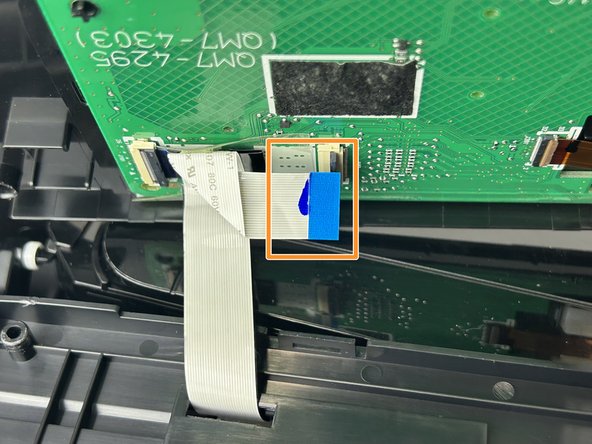
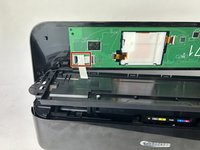
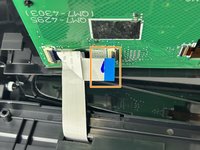
    • Remove the tape on the connector.

    • Unplug it from both terminals by flipping up the tabs and pulling it out.

Conclusão

To reassemble your device, follow these instructions in reverse order.

Jaidan Perry

Membro desde: 10/31/24

308 Reputação

Autoria de 2 guias

Equipe

Cuesta, Team 60-4, Krynen Fall 2024 Membro de Cuesta, Team 60-4, Krynen Fall 2024

CUESTA-KRYNEN-F24S60G4

4 Membros

Autoria de 5 guias

0Comentários do guia

Comentar

Visualizações:

Últimas 24 horas: 0

Últimos 7 dias: 13

Últimos 30 dias: 38

Ao todo: 417