Introdução
This is a prerequisite-only guide! This guide is part of another procedure and isn't meant to be used alone.
O que você precisa
-
-
Use a Phillips #1 screwdriver to loosen the eight captive screws securing the lower case.
-
-
-
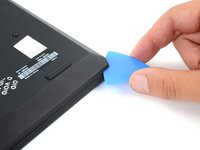
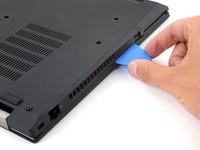
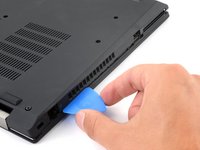
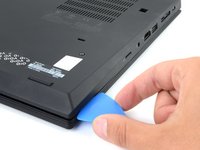
Insert an opening pick between the lower case and the chassis on the front right edge.
-
-
-
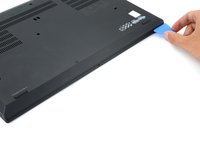
Angle the pick down at about 30 degrees.
-
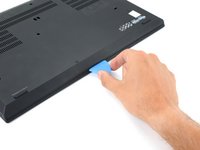
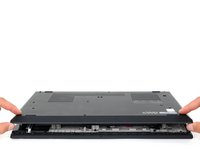
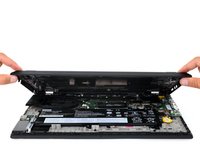
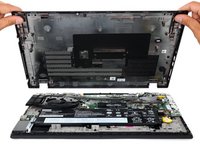
Slide the pick along the front edge to release the clips securing the lower case.
-
-
-
-
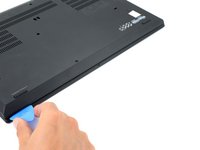
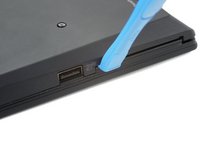
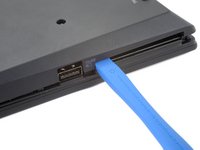
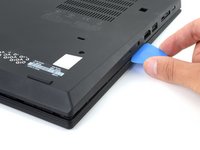
Insert an opening tool between the lower case and the chassis, just to the right of the USB port on the left edge.
-
Pry the opening case up to release the clip next to the USB port.
-
-
-
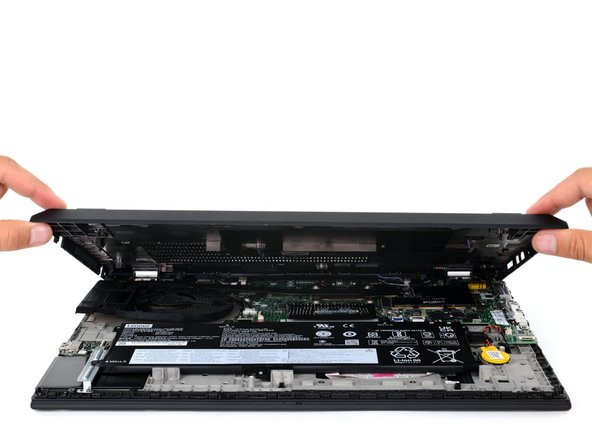
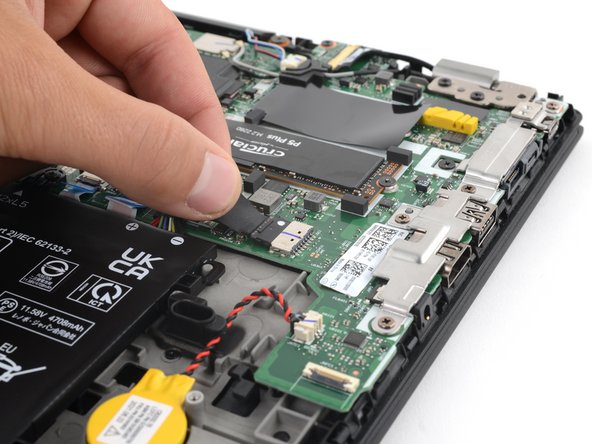
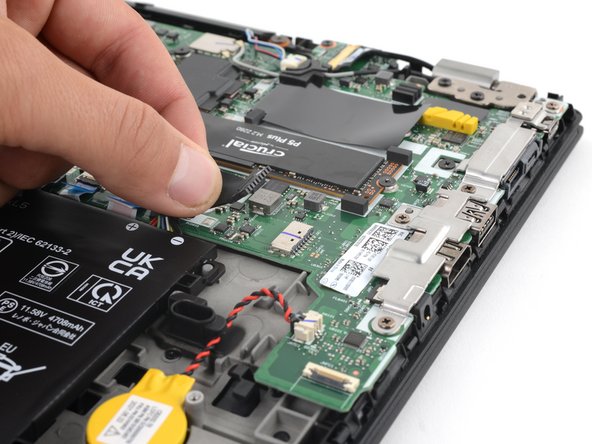
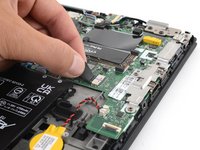
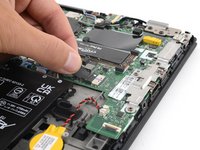
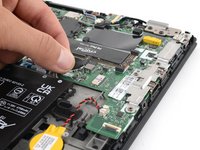
Grip the pull tab on the battery connector with your fingers and gently pull away from the socket to disconnect it.
-













To reassemble your device, follow these instructions in reverse order.



