Ir para o conteúdo principal

Battery Disconnect Procedure

Pré-requisito somente
Este é um guia somente para pré-requisitos! Este guia faz parte de outro procedimento e não deve ser usado sozinho.

O que você precisa

  1. Battery Disconnect Procedure, Back Cover: passo 1, imagem 1 %32 Battery Disconnect Procedure, Back Cover: passo 1, imagem 2 %32
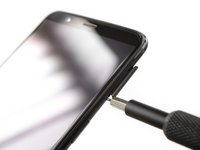
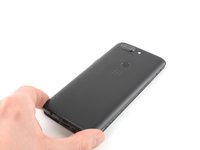
    • Before you begin, switch off your phone.

    • Remove the SIM card tray.

  2. Battery Disconnect Procedure: passo 2, imagem 1 %32
    • Remove the two Torx T2 screws (2.5 mm length).

    • The OnePlus 5T doesn't use a lot of adhesive to secure the backcover, however the clamps are very strong and require some force during the opening procedure.

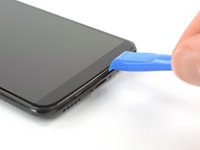
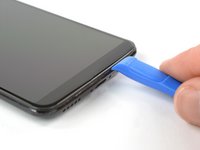
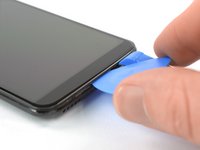
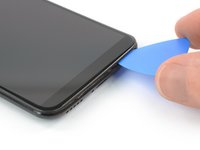
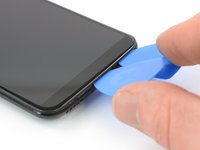
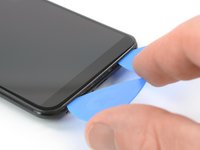
  3. Battery Disconnect Procedure: passo 3, imagem 1 %32 Battery Disconnect Procedure: passo 3, imagem 2 %32 Battery Disconnect Procedure: passo 3, imagem 3 %32
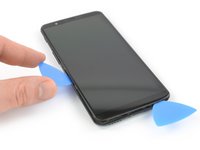
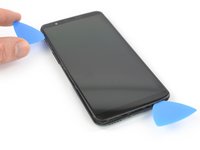
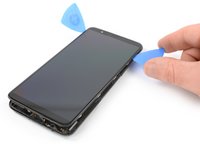
    • Insert an opening tool between the display and the backcover at the bottom end of the phone.

    • Use the opening tool to create a gap between back cover and display.

    • Insert an opening pick in the gap you created with the opening tool.

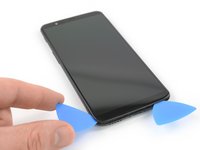
  4. Battery Disconnect Procedure: passo 4, imagem 1 %32 Battery Disconnect Procedure: passo 4, imagem 2 %32 Battery Disconnect Procedure: passo 4, imagem 3 %32
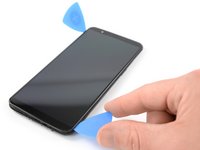
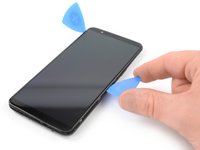
    • Slide the opening pick to the bottom right corner of the phone.

    • Insert a second opening pick and slide it to the bottom left corner of the phone.

  5. Battery Disconnect Procedure: passo 5, imagem 1 %32 Battery Disconnect Procedure: passo 5, imagem 2 %32 Battery Disconnect Procedure: passo 5, imagem 3 %32
    • Slide the opening pick around the bottom left corner and then up along the left edge of the phone to open the plastic clamps that secure the backcover.

  6. Battery Disconnect Procedure: passo 6, imagem 1 %32 Battery Disconnect Procedure: passo 6, imagem 2 %32 Battery Disconnect Procedure: passo 6, imagem 3 %32
    • Slide the opening pick around the bottom right corner and then up along the right edge of the phone to open the plastic clamps that secure the backcover.

  7. Battery Disconnect Procedure: passo 7, imagem 1 %32 Battery Disconnect Procedure: passo 7, imagem 2 %32 Battery Disconnect Procedure: passo 7, imagem 3 %32
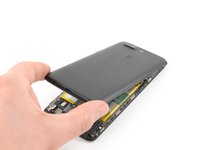
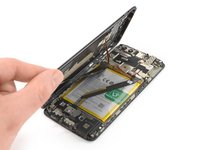
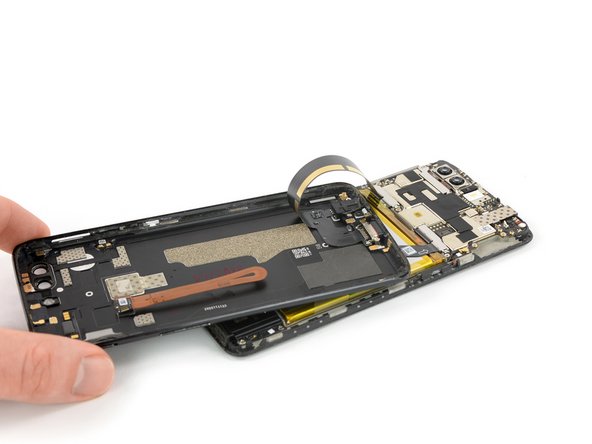
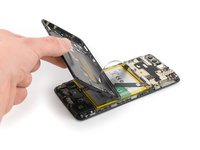
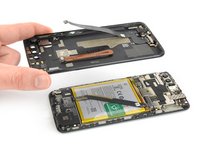
    • Try not to remove the backcover all the way yet. The fingerprint and the charging port and headphone flex cables are still connected to the motherboard.

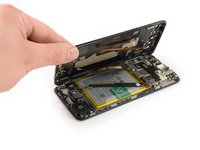
    • Flip your phone and carefully lift the bottom end of the backcover away from the phone assembly. Fold it to left and hold it at an 80° angle.

  8. Battery Disconnect Procedure: passo 8, imagem 1 %32 Battery Disconnect Procedure: passo 8, imagem 2 %32
    • Use a spudger to pry up and disconnect the fingerprint flex cable.

  9. Battery Disconnect Procedure: passo 9, imagem 1 %32 Battery Disconnect Procedure: passo 9, imagem 2 %32 Battery Disconnect Procedure: passo 9, imagem 3 %32
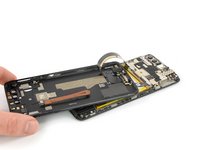
    • Twist the backcover around 180° and lay it down to align the bottom end of the backcover the top edge of the battery.

  10. Battery Disconnect Procedure: passo 10, imagem 1 %32 Battery Disconnect Procedure: passo 10, imagem 2 %32 Battery Disconnect Procedure: passo 10, imagem 3 %32
    Ferramenta utilizada neste passo:
    Tweezers
    $4.99
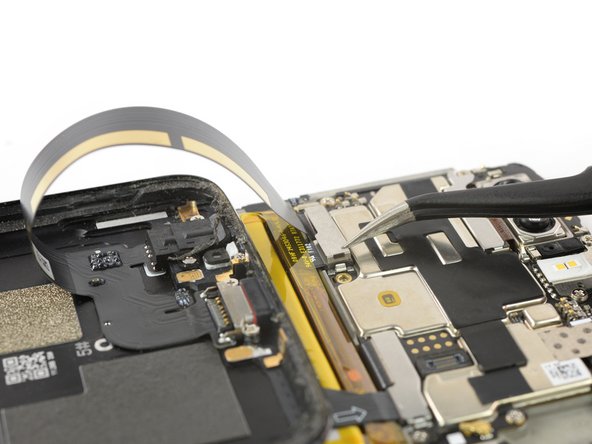
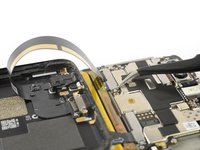
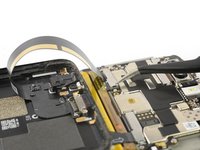
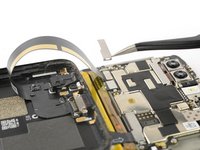
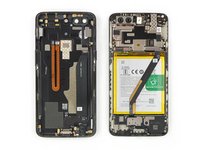
    • Use a pair of tweezers to remove the small metal shield which covers the battery and the charging port and headphone jack flex cable connectors.

  11. Battery Disconnect Procedure: passo 11, imagem 1 %32 Battery Disconnect Procedure: passo 11, imagem 2 %32
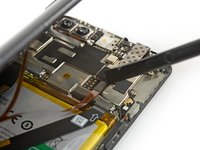
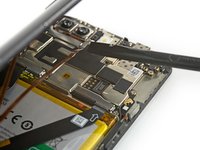
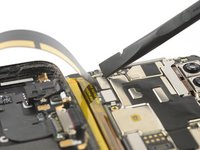
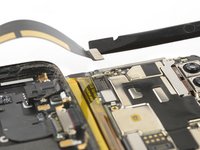
    • Use a spudger to pry up and disconnect the charging port and headphone jack flex cable.

  12. Battery Disconnect Procedure: passo 12, imagem 1 %32 Battery Disconnect Procedure: passo 12, imagem 2 %32
    • Remove the backcover.

  13. Battery Disconnect Procedure, Battery Disconnect: passo 13, imagem 1 %32 Battery Disconnect Procedure, Battery Disconnect: passo 13, imagem 2 %32
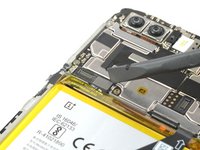
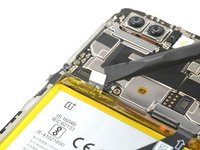
    • Use a spudger to pry up and disconnect the battery flex cable.

Conclusão

To reassemble your device, follow these instructions in reverse order.

Dominik Schnabelrauch

Membro desde: 11/23/16

247.966 Reputação

Autoria de 682 guias

Equipe

iFixit Membro de iFixit

Staff

123 Membros

Autoria de 23.790 guias

0Comentários do guia

Comentar

Visualizações:

Últimas 24 horas: 0

Últimos 7 dias: 0

Últimos 30 dias: 1

Ao todo: 100