Introdução
Follow this guide to replace the Amazon Echo Show Display. The display is especially susceptible to damage because of its exposed nature.
O que você precisa
-
-
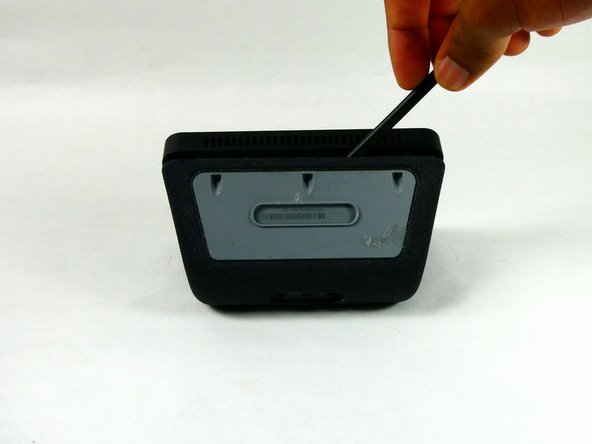
Orient the Amazon Echo Show 5 so that the display is face down.
-
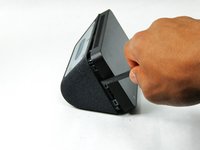
Use a spudger to remove the grey bottom cover.
-
-
-
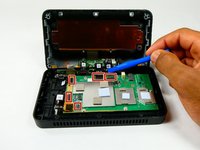
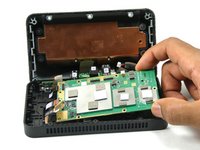
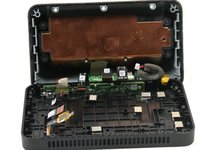
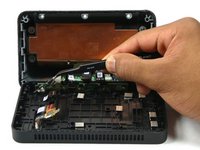
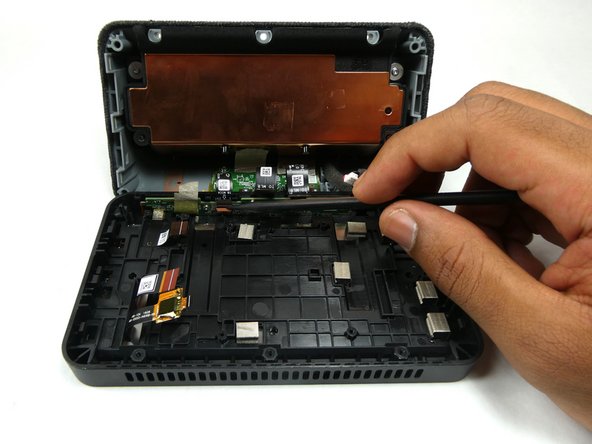
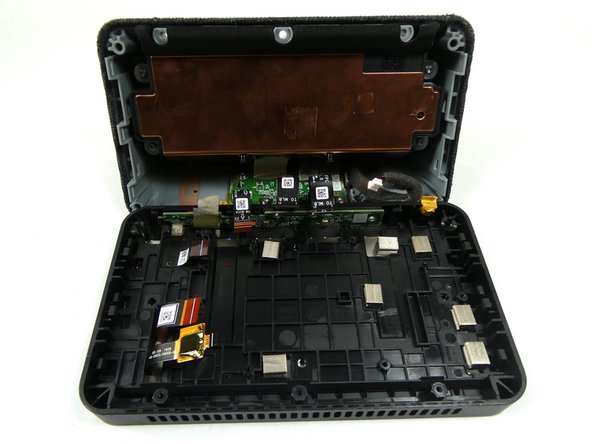
Remove the red and black power connector connecting to the motherboard with either a prying tool or your hands.
-
-
-
Ferramenta utilizada neste passo:Tweezers$4.99
-
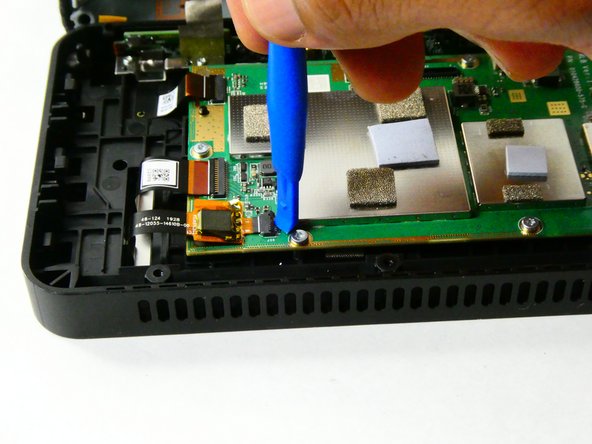
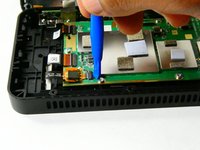
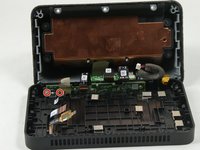
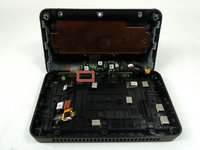
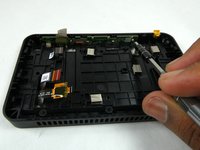
Use the Philips #000 Screwdriver to remove two 4mm screws that hold down the metal bracket.
-
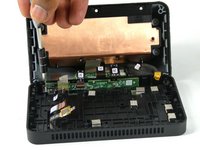
Use tweezers to remove the metal bracket by lifting it up and towards yourself.
-
-
Ferramenta utilizada neste passo:Tweezers$4.99
-
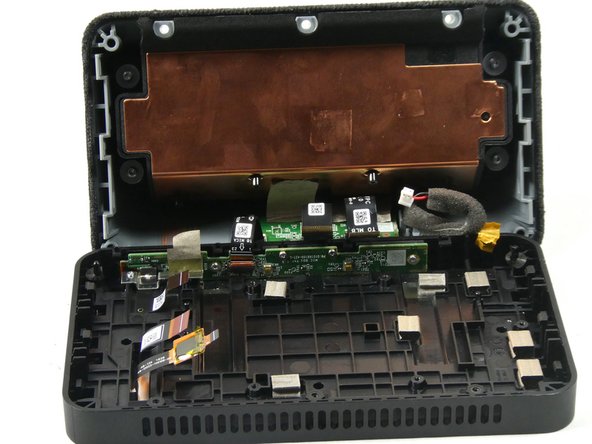
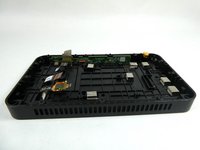
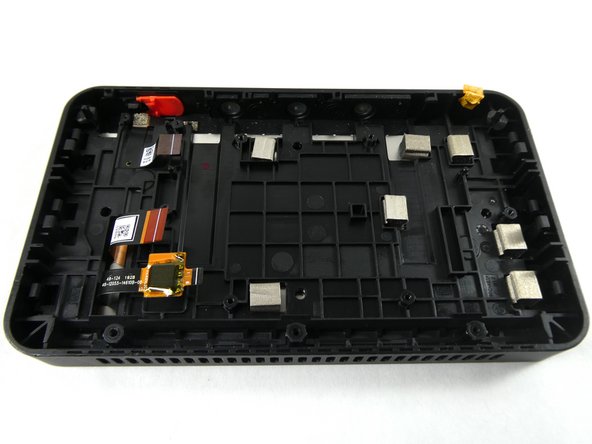
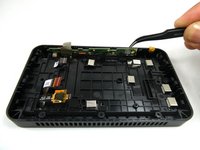
Use tweezers to remove the camera from the display assembly.
-
-
-
Orient the Amazon Echo Show 5 so that the display is facing up.
-
Apply heat to the edges of the display using a heat gun.
-










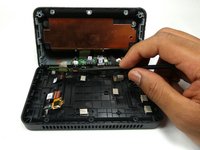
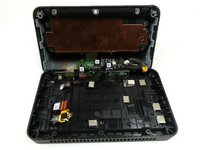


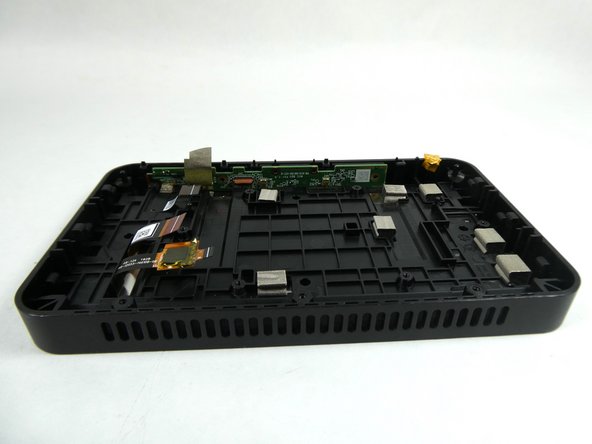
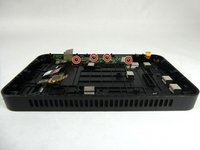


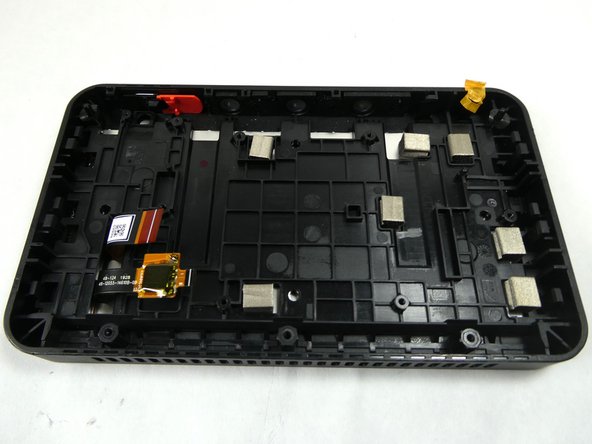

To reassemble your device, follow these instructions in reverse order.
Cancelar: não concluí este guia.
4 outras pessoas executaram este guia.

Equipe

UMass Dartmouth, Team 2-4, Petersen Fall 2022 Membro de UMass Dartmouth, Team 2-4, Petersen Fall 2022
UMASSD-PETERSEN-F22S2G4
3 Membros
Autoria de 14 guias
3Comentários do guia
Are the Echo show Gen1 and Gen2 screens interchangable?
If so, if I put the gen2 camera on a Gen1 mainboard, will it automatically be better video for the other person on the other end? (if it is compatible that is)
Thanks
Hey Zachary,
Great guide, thanks for the help. Now I'm on to figuring out if it's possible to zombify the screen and touchscreen using a raspberry pi. Wish me luck...
Thanks,
Graham
Does replacing the screen fix the glitching/flickering issue?
